SIEM Export Configuration
Tenant admins can configure the log fields that are exported to downstream SIEM consumers (such as Splunk or QRadar) that use the Insights Export API.
Prerequisites
- You must have tenant admin access to the Forcepoint Data Security Cloud portal.
- The tenant must be licensed for the Web Security (WS) product.
- A downstream SIEM consumer (for example, Splunk or QRadar) must be set up to receive data via the Insights Export API.
Configure the SIEM export fields
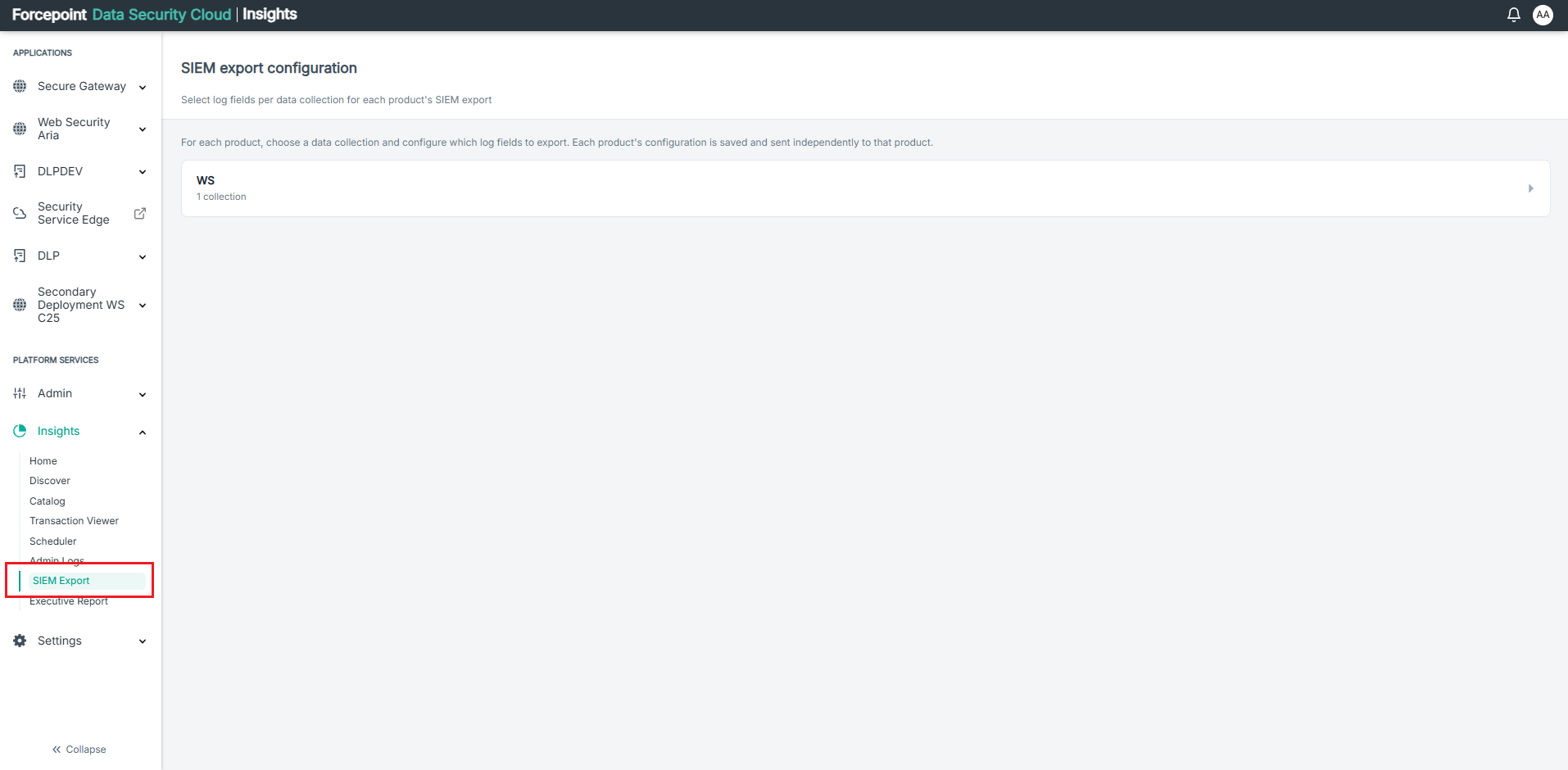
- In the Forcepoint Data Security Cloud portal, navigate to Insights > SIEM Export from the left navigation panel.
The SIEM export configuration page displays the available products and their collections.
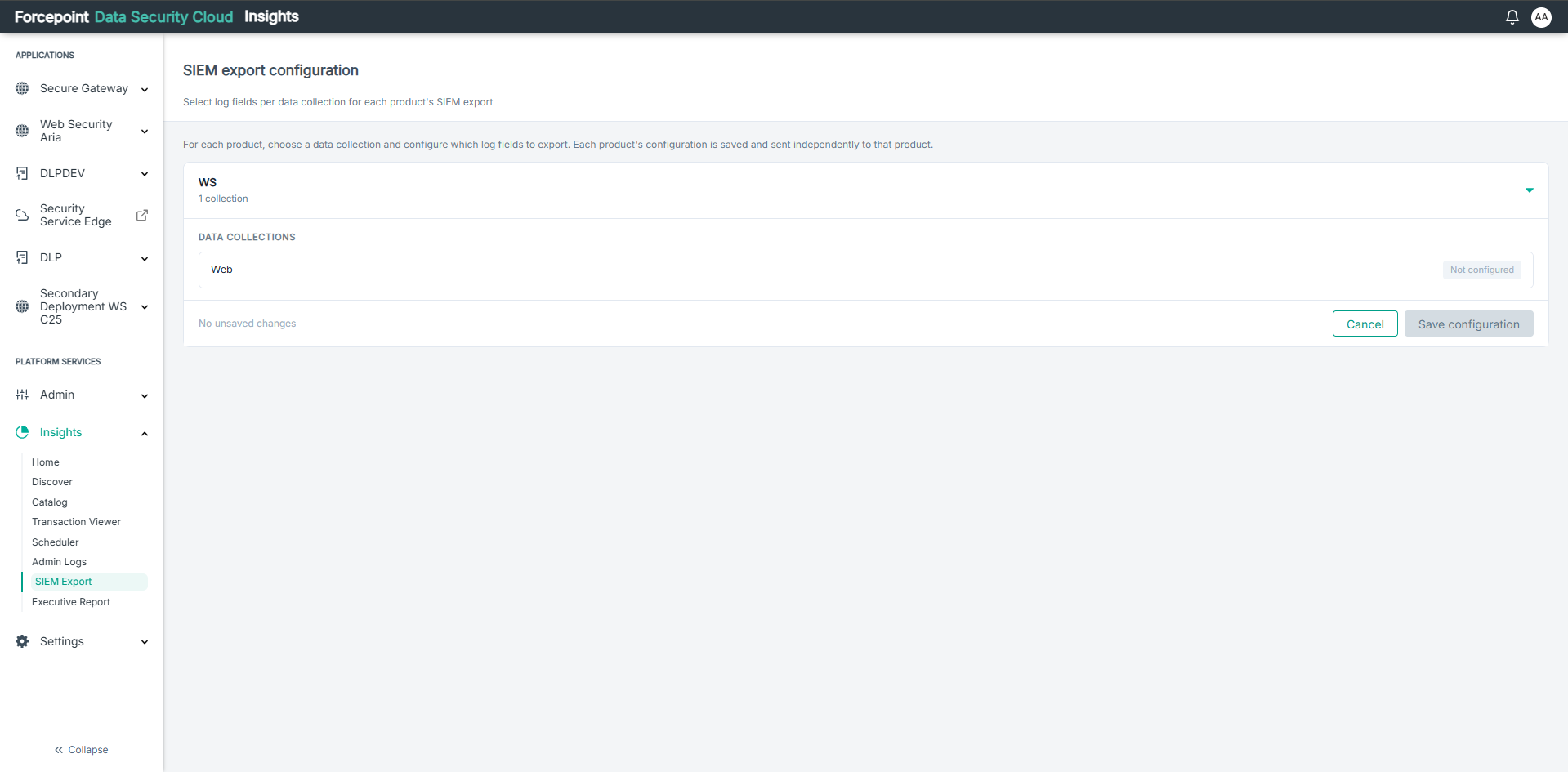
- Click the WS product row to expand it and view the available data collections.
The Web collection is displayed under DATA COLLECTIONS with its current configuration status.
- Click the Web collection to open the field selection panel.
A list of all available export fields is displayed. You can search for specific fields using the Search fields by name or identifier... search box.
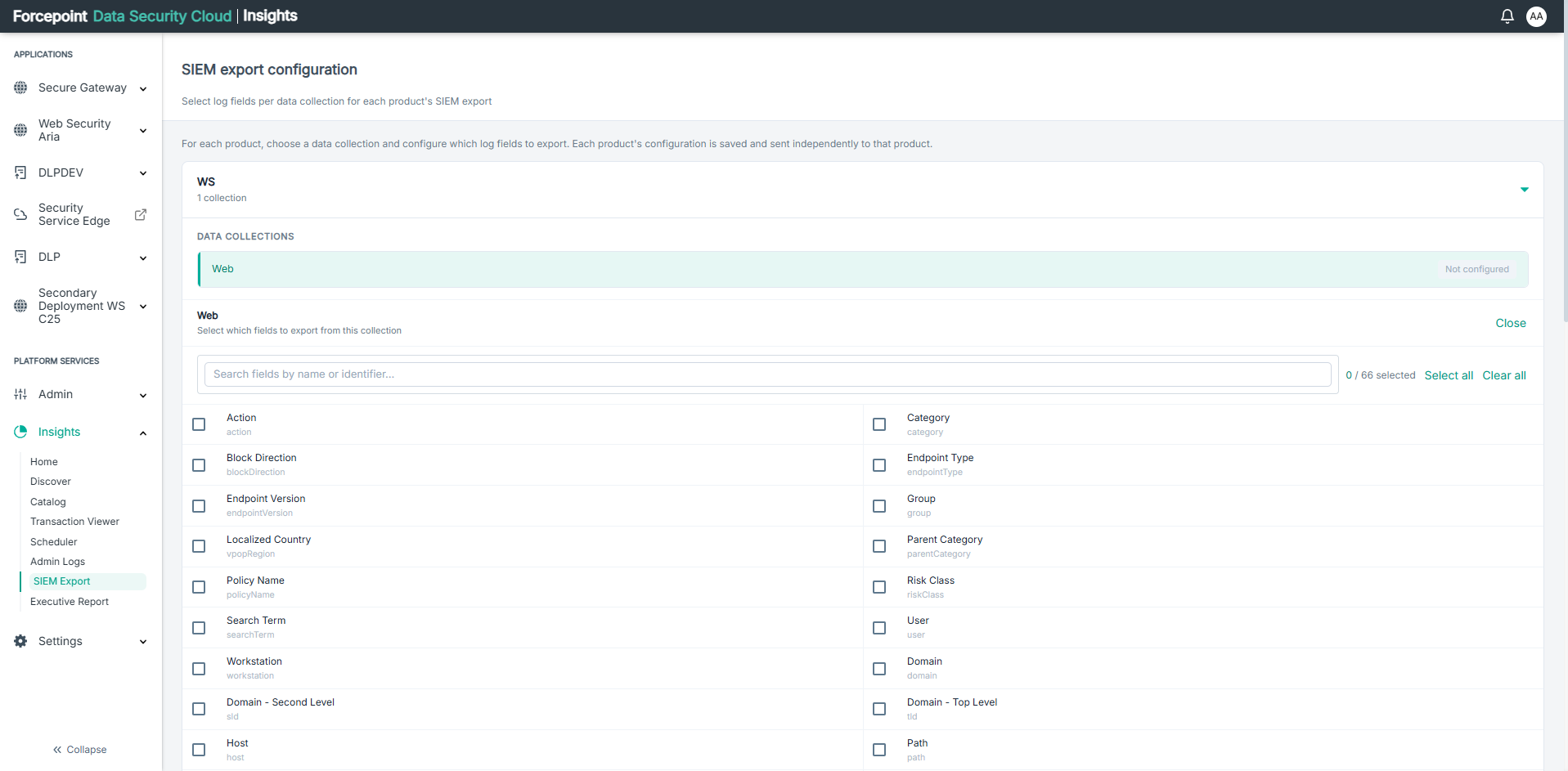 Note: Use Select all to select all available fields, or Clear all to deselect all fields. List of available fields for Web can be found here: <link>
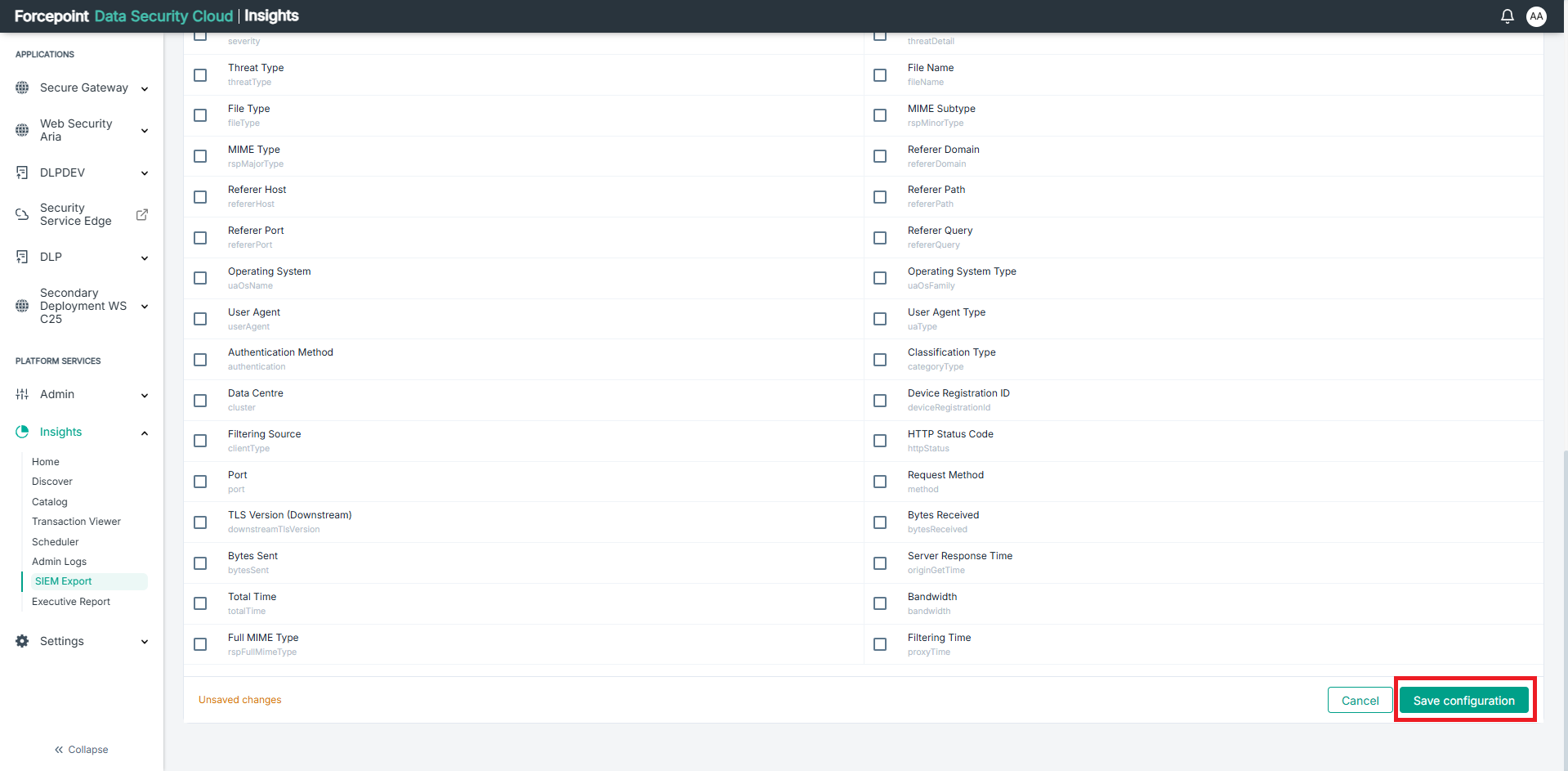
 - Select the checkboxes next to each field you want to include in the SIEM export.
The collection status changes to Unsaved and the field counter updates to reflect your selections (for example, 6 / 66 selected).
- Click Save configuration to apply your changes.
Once saved, only the selected fields are included in subsequent data exports for the Web collection.