Accessing customer's tenant using Switch Context
Steps for accessing customer's tenant using Switch Context option.
Steps
-
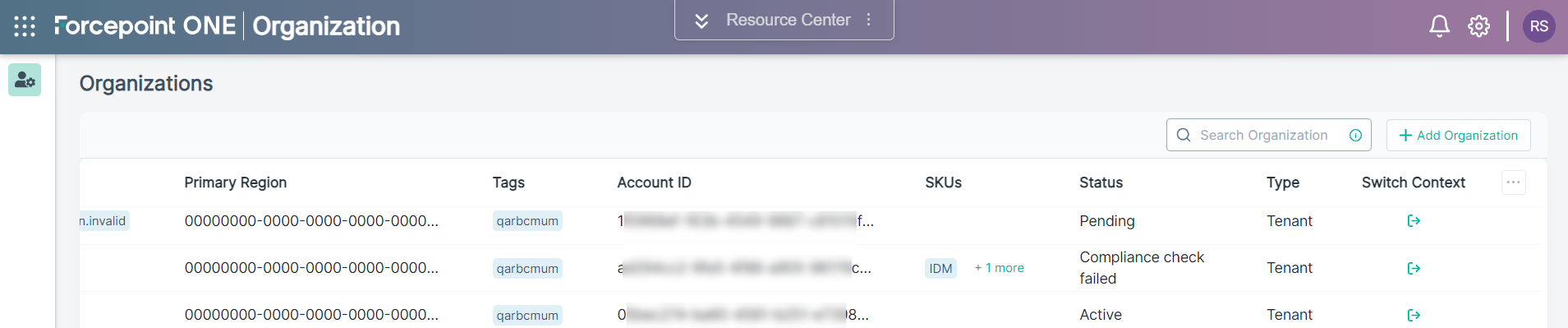
On the Organizations page, click the
 icon from the Switch Context column of
the organization in question.
icon from the Switch Context column of
the organization in question.
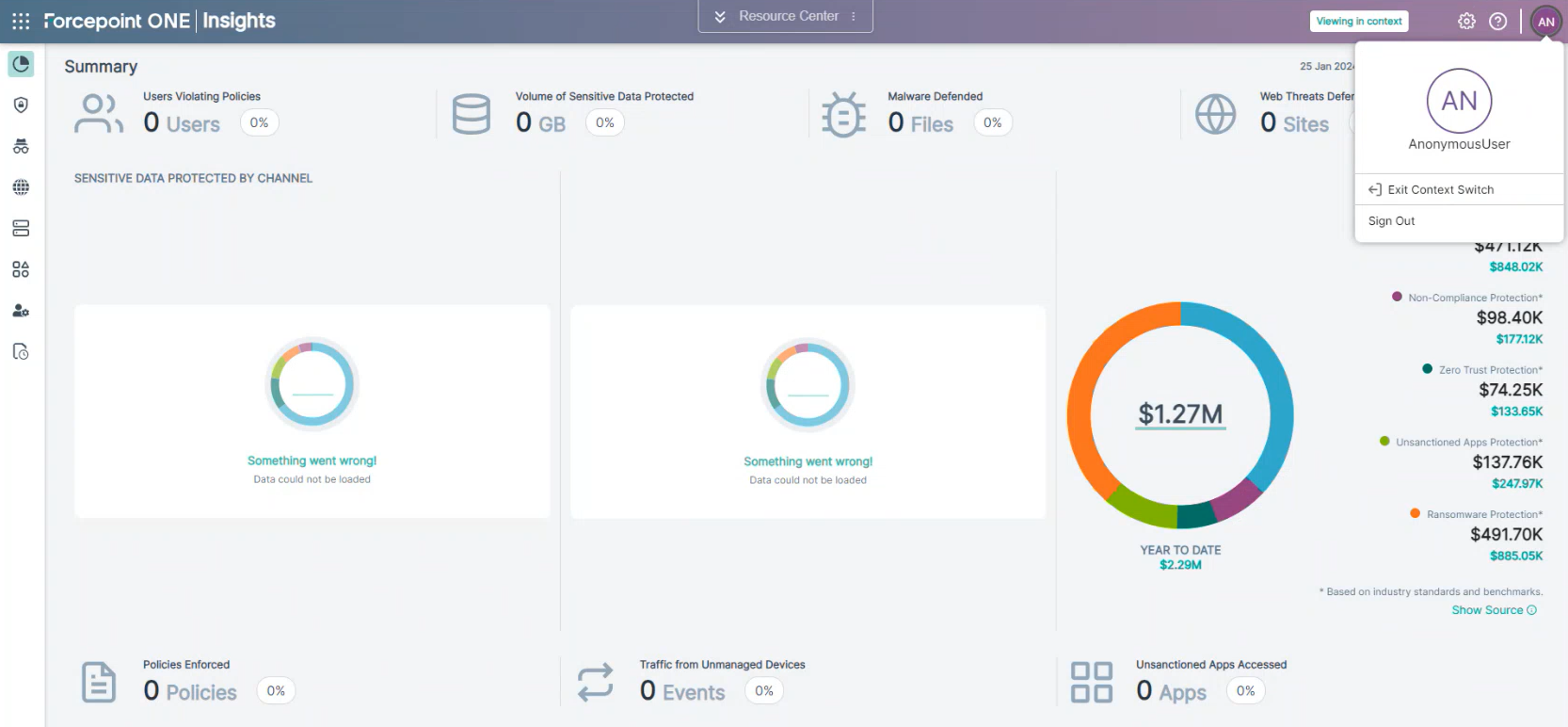
You will be directed to Customer's Insights application with the Viewing in context message on the top banner.