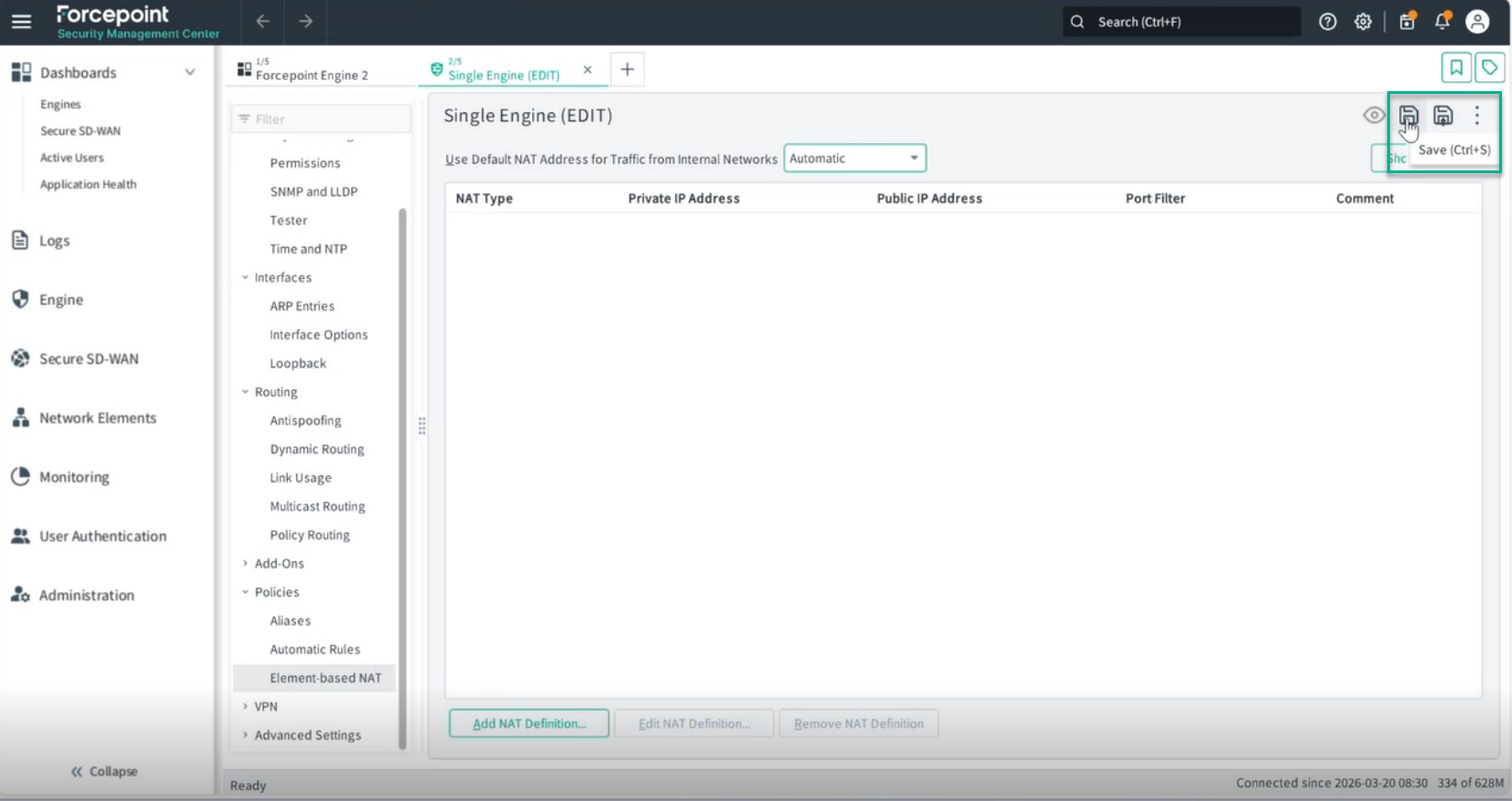
Verifying Default NAT
Configure Network Address Translation (NAT) to conceal the engine's IP address from external networks.
Network Address Translation (NAT) must be configured to conceal the engine's IP address.
Note: In most cases, the NAT automatic configuration works. But if you want more granular control you can set it On.
Steps
-
Set the option Use Default NAT Address for Traffic from Internal Networks to Automatic.
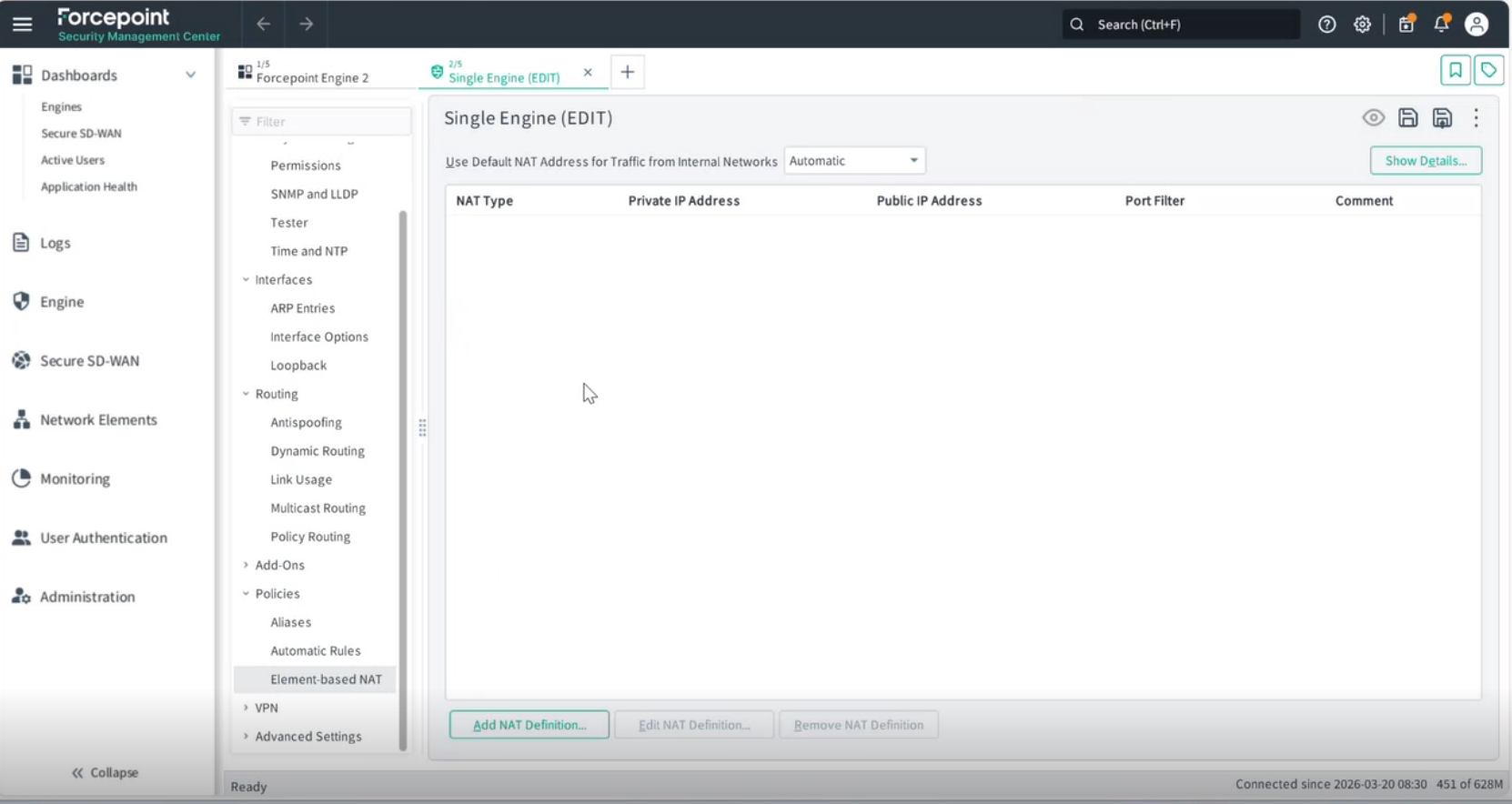
-
Click Save.