Verifying Routing Configuration
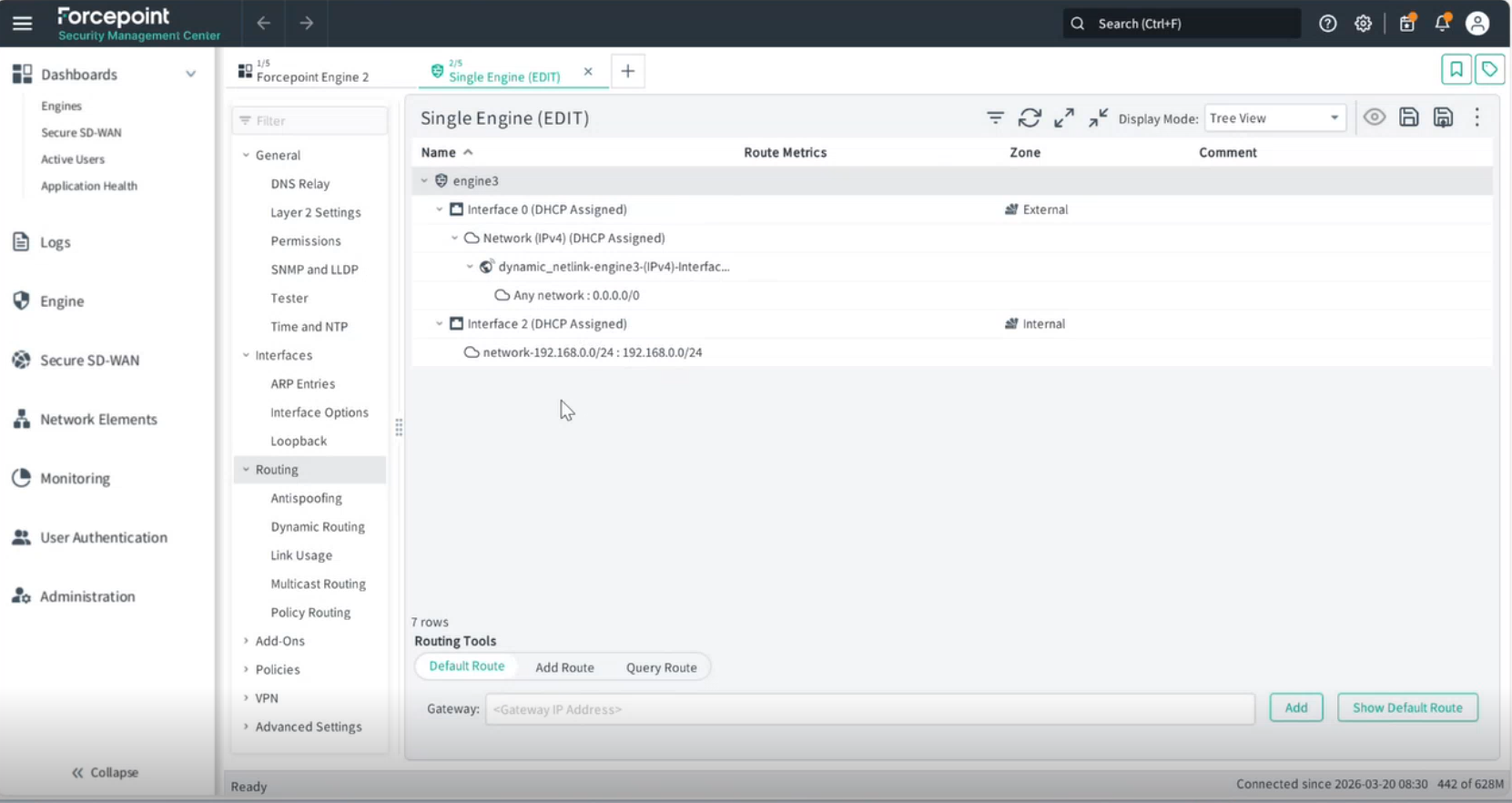
Verify the routing configuration for both the external (Interface 0) and internal (Interface 2) network interfaces.
Steps
-
Expand Interface 2 and click Internal. This is the internal network defined in the previous interface configuration steps.