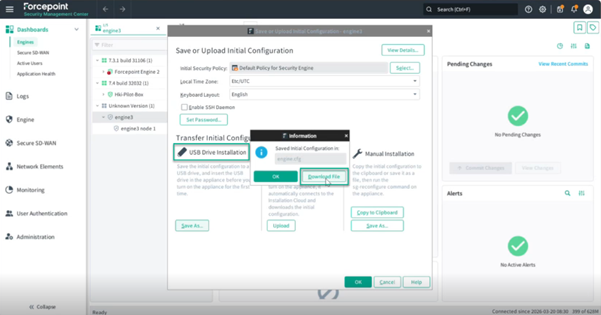
Applying the Initial Configuration
Select a default security policy and download the engine.cfg file for USB-based policy deployment.
Steps
-
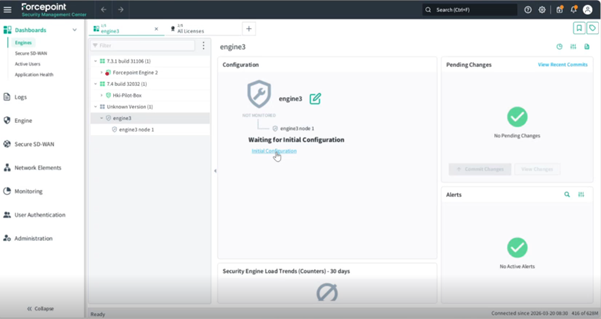
Navigate back to the engine dashboard and click Initial Configuration.
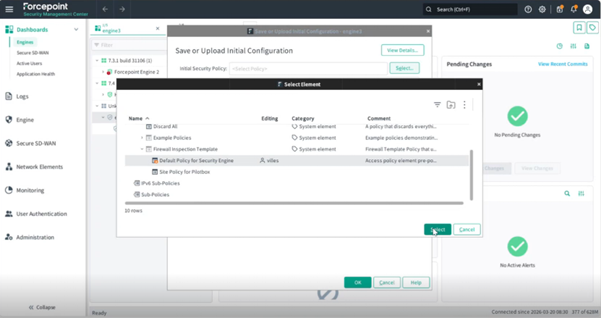
 A window will appear where you can save or upload the initial configuration.
 -
Click Select. Keep the remaining engine configuration settings as default.
-
Click Download File to download the engine.cfg file, which can be transferred via USB drive to push the policy from a remote host.