Deleting licenses
Steps for deleting licenses of the organization when no longer needed.
Steps
-
On the upper-right corner of the Edit License form, click the
 icon and then select
Delete.
icon and then select
Delete.

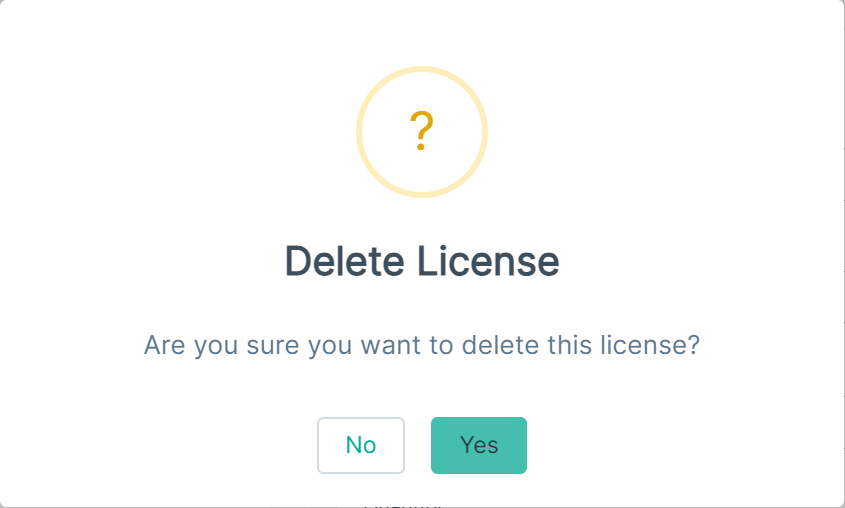
The Delete License dialog opens.
-
To proceed with the deletion of License, click Yes.
The selected license gets deleted from the Licenses page.