Reorder rule exceptions
Use this topic to change the order in which a rule's exceptions are evaluated.
Overview
Exceptions are evaluated only after their parent rule matches, and they are evaluated in order. When a rule has more than one exception, you can change the order in which they are evaluated.
Note: This topic assumes the rule already has two or more exceptions. To add a new exception to a rule, see Add exceptions to a rule.
Reorder exceptions
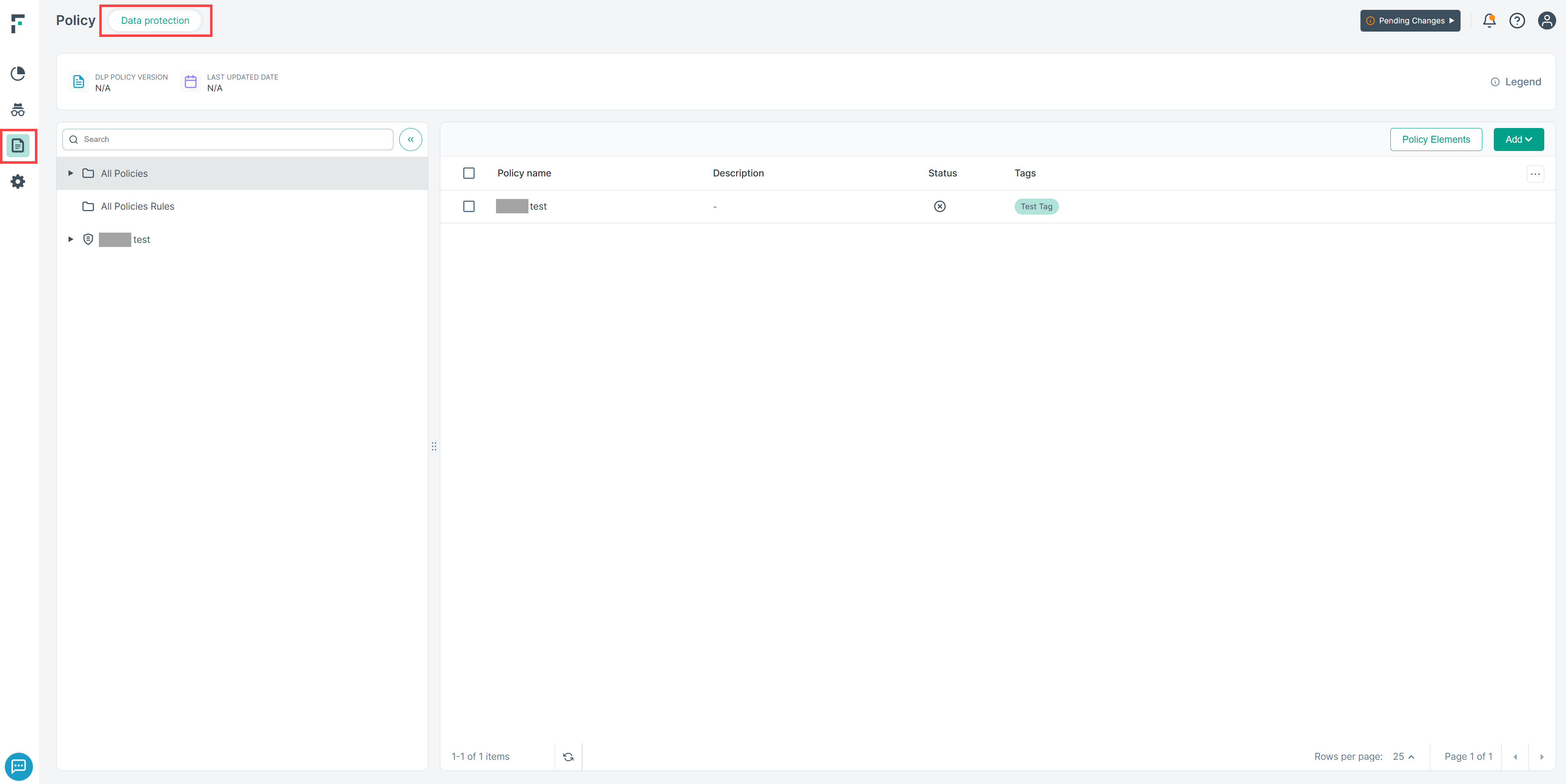
- Navigate to .
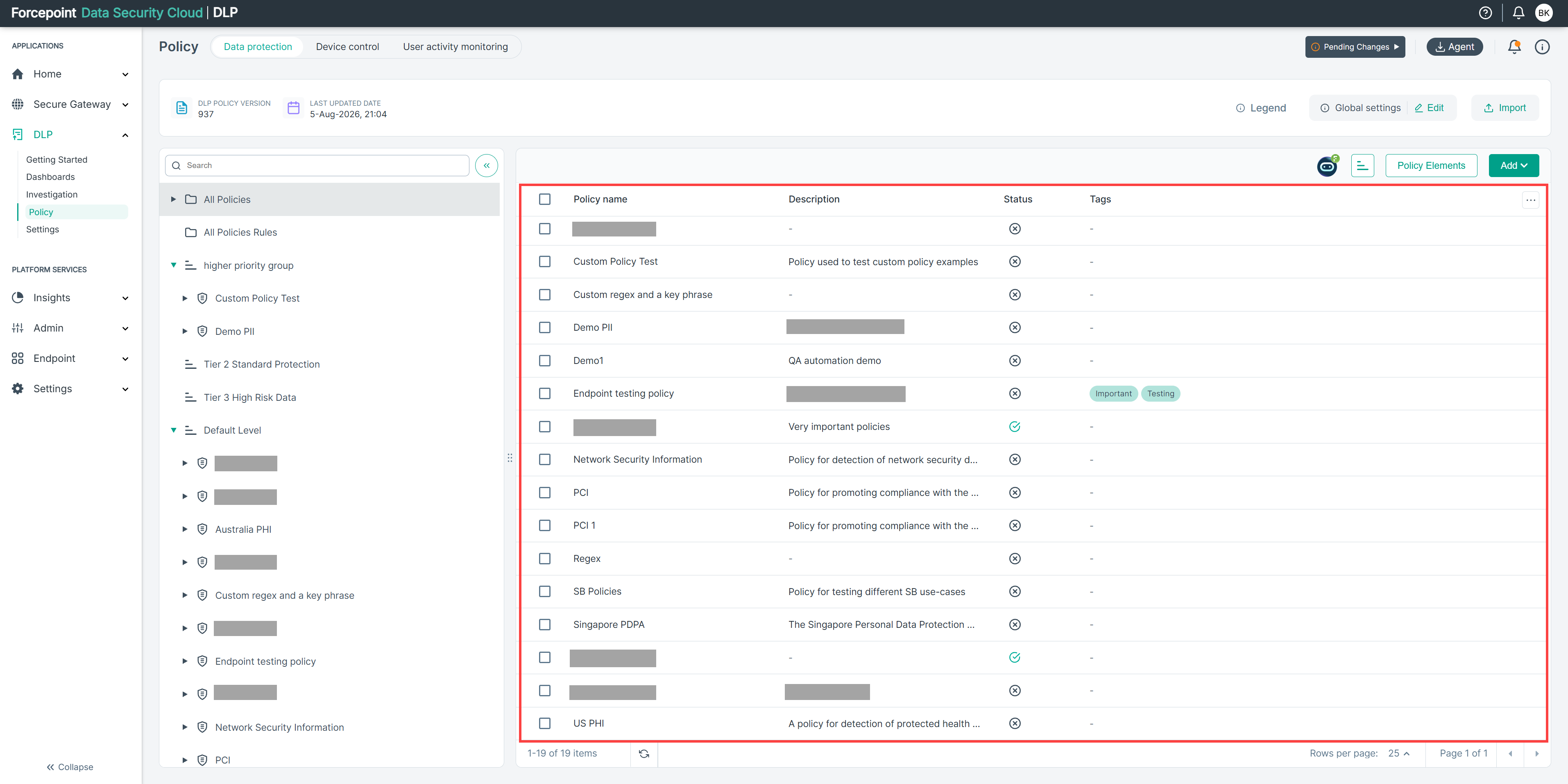
- Open the policy that contains the rule.
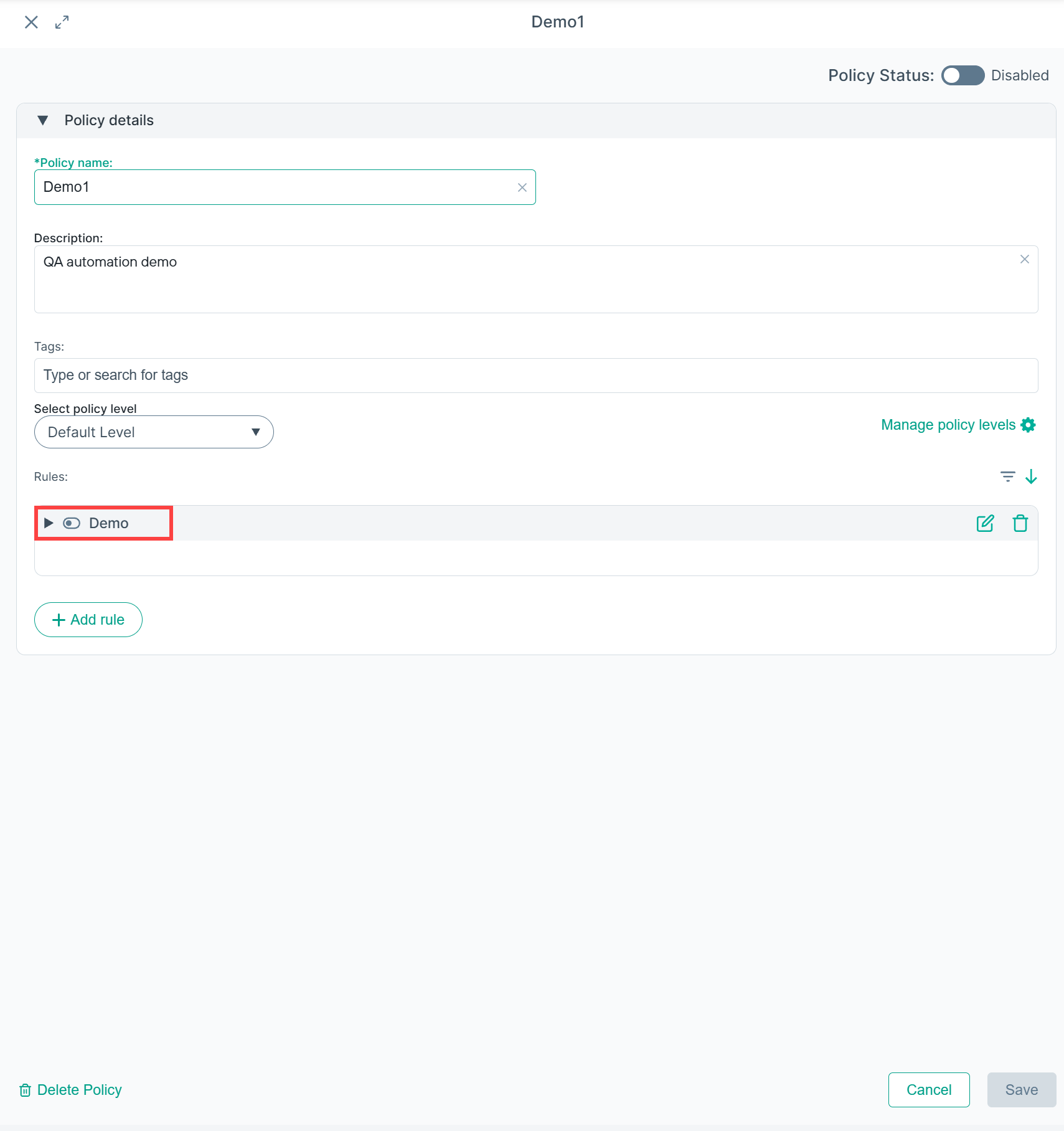
- Click the rule to open the rule editor.
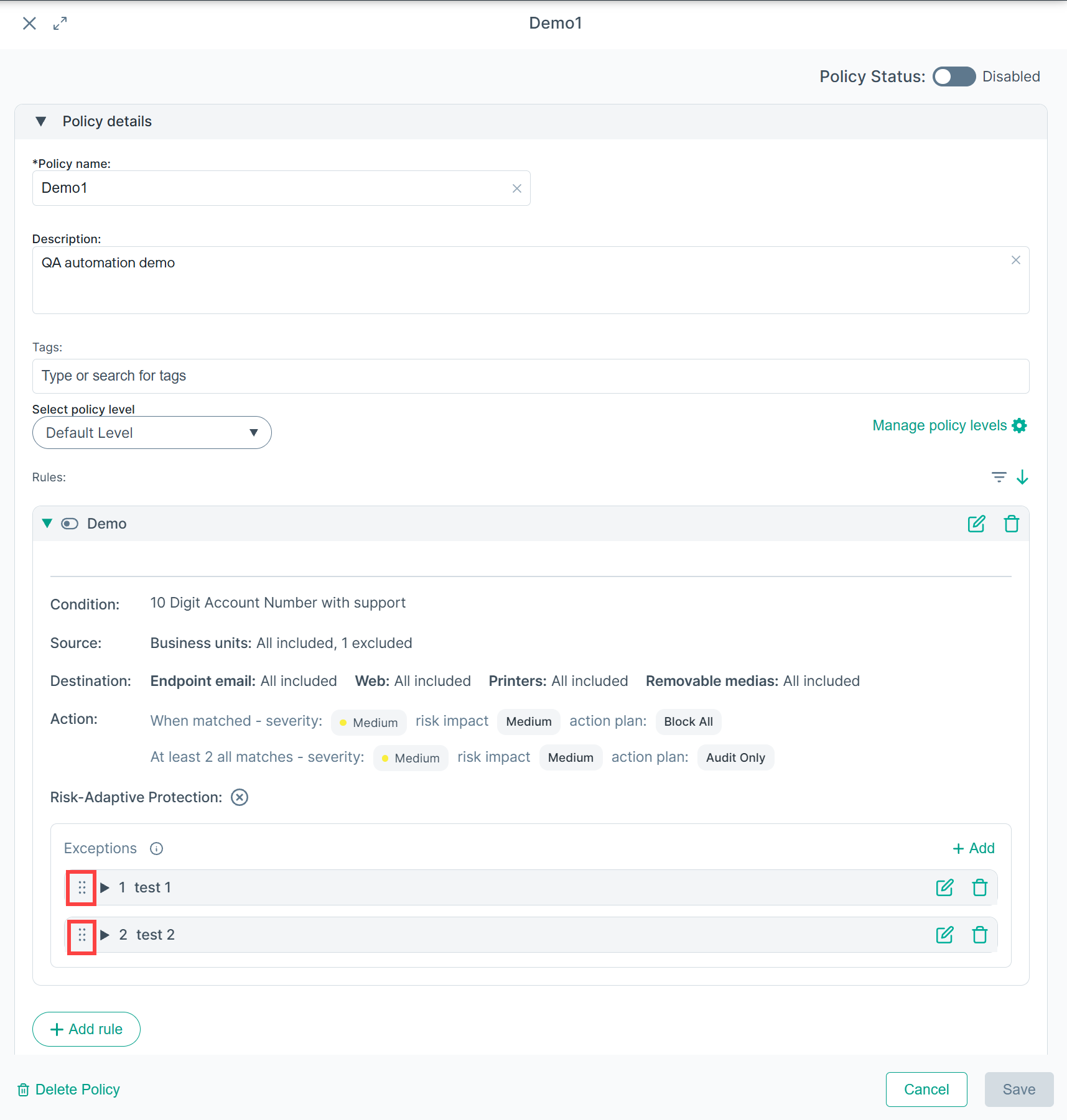
- If the rule has exceptions, they are listed below the rule details.
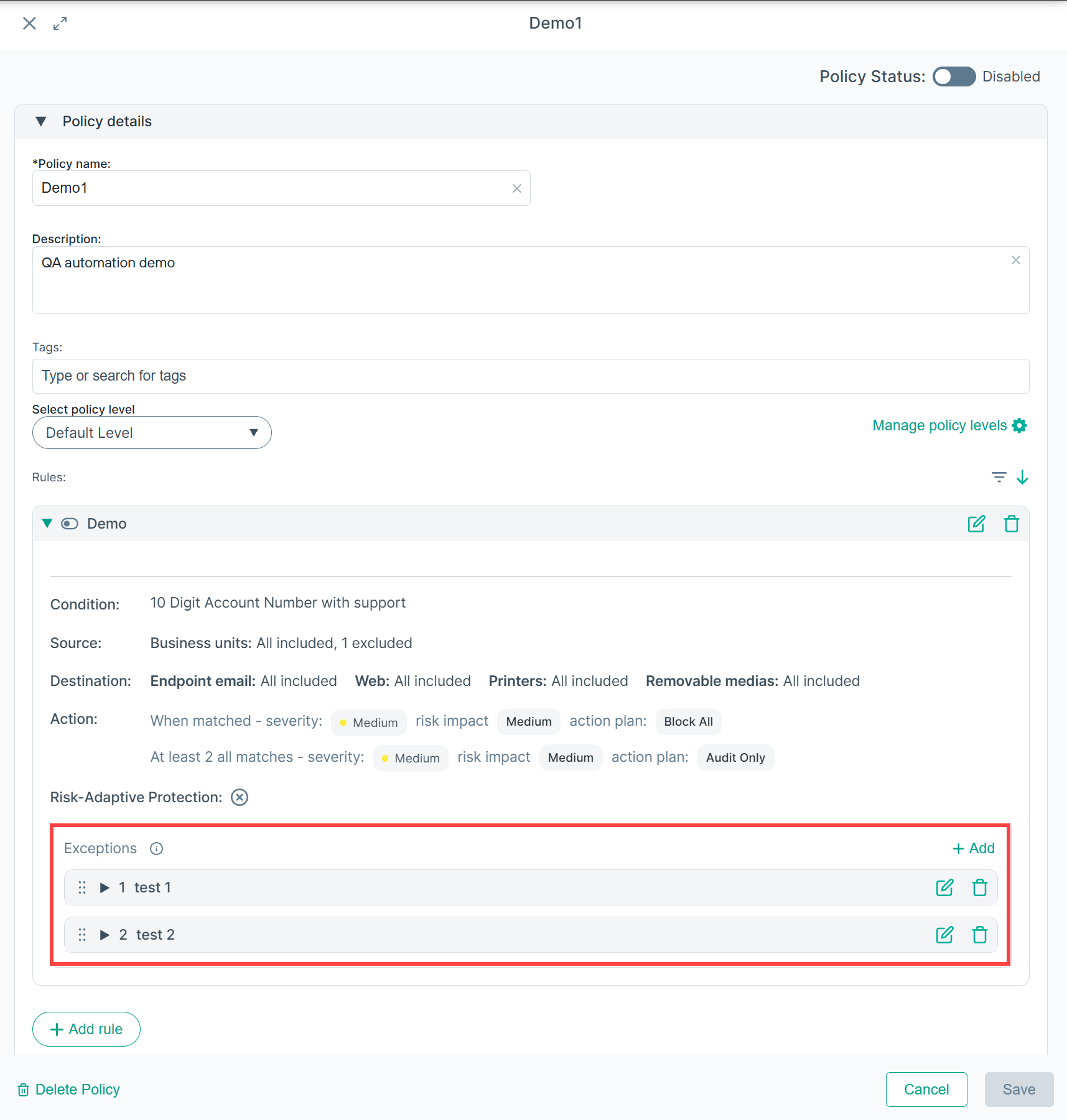
- Use the reorder control on an exception row to move it up or down in the list.
- Click Save.
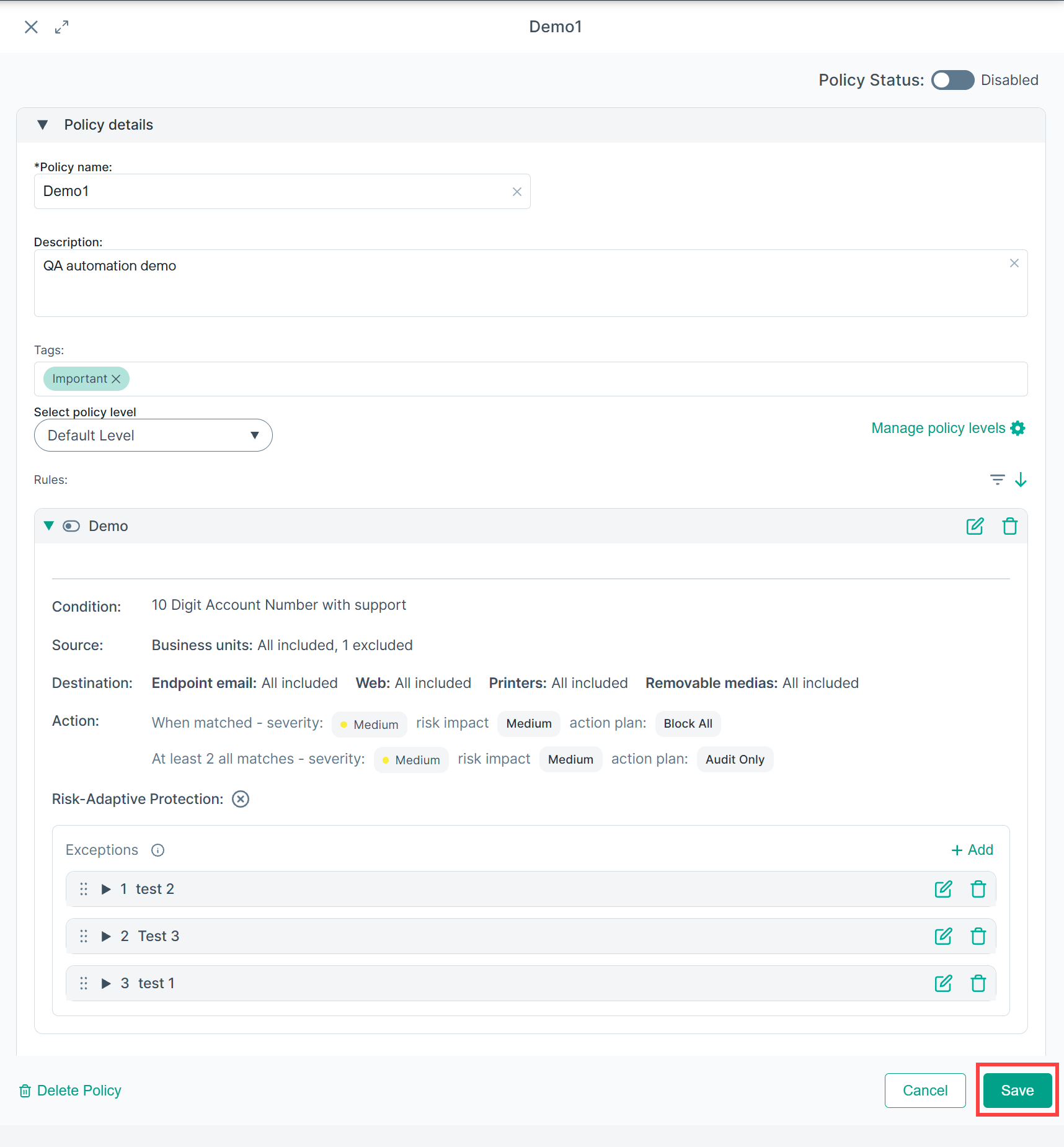
- The exceptions are now evaluated in the new order shown.