Database fingerprint
Classify structured data, such as database records, by fingerprinting a known database source so a policy can recognize that same data wherever it appears.
Overview
The Database fingerprint view lets administrators classify structured data by fingerprinting a known database source, rather than matching against a pattern. Once a database is fingerprinted, a policy can recognize that same data wherever it appears, using the fingerprint as a content classifier.
To access this view:
- Navigate to Policy > Data protection, and click Policy Elements.
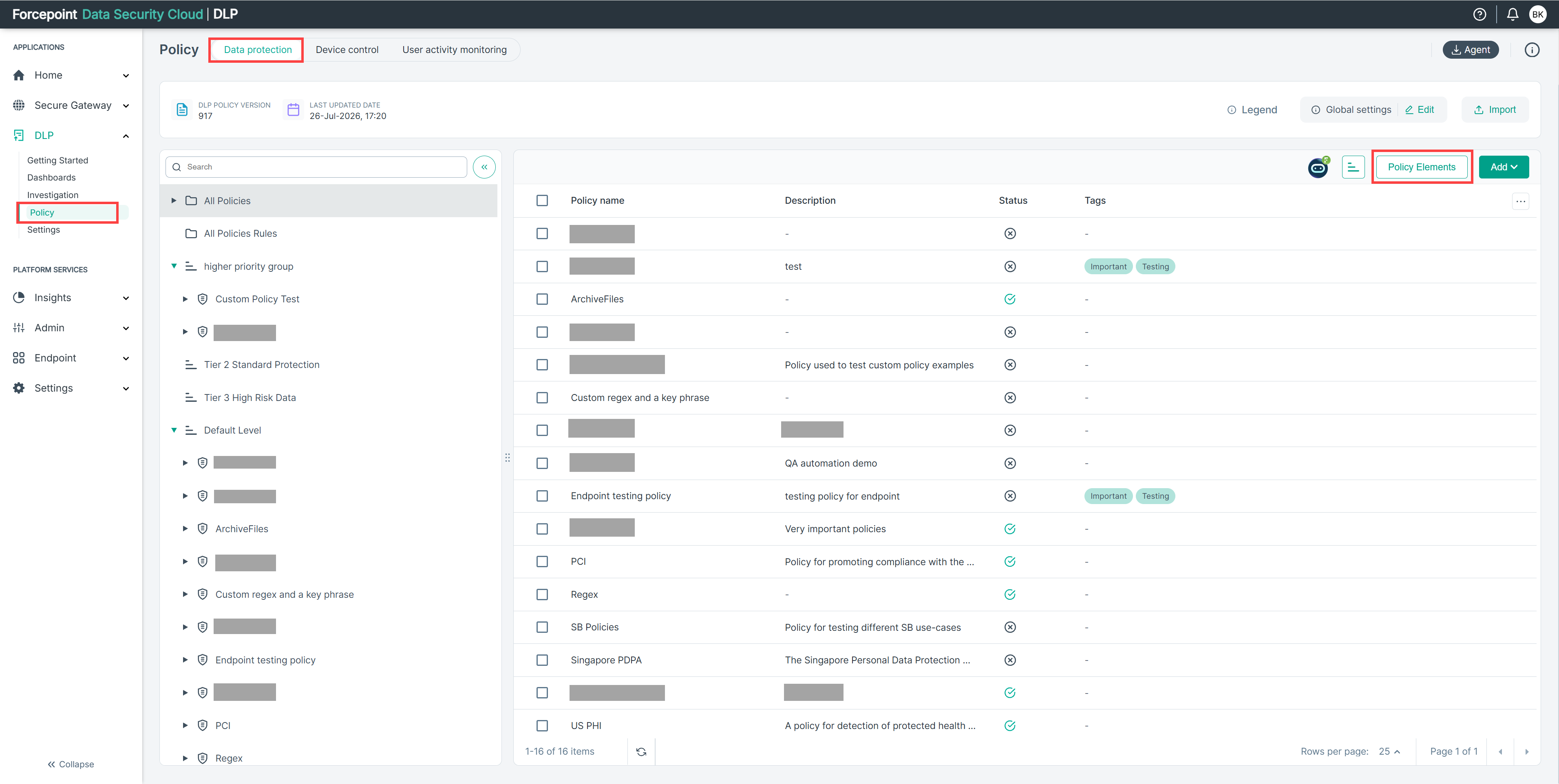
- The Policy Elements panel opens.
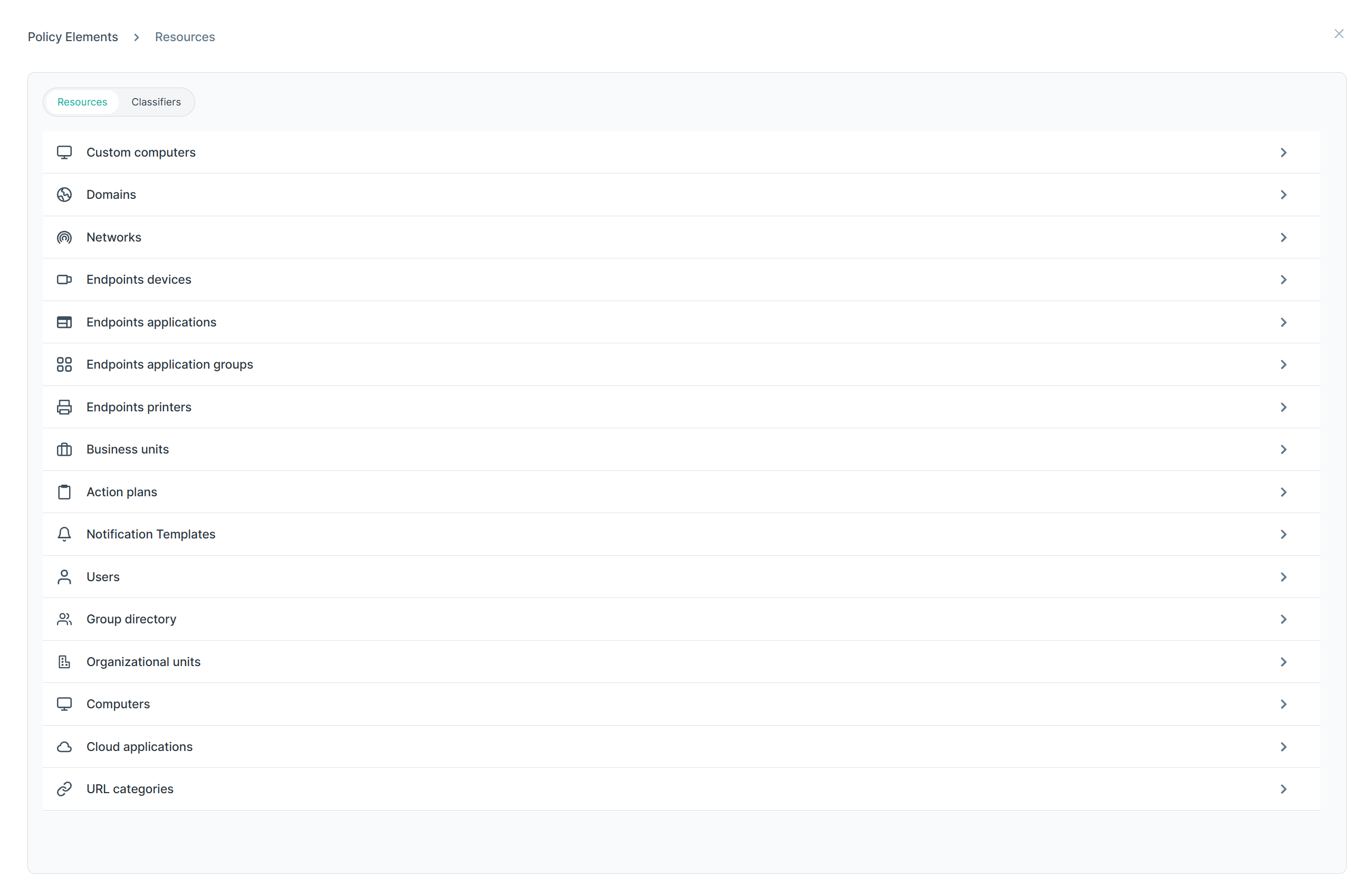
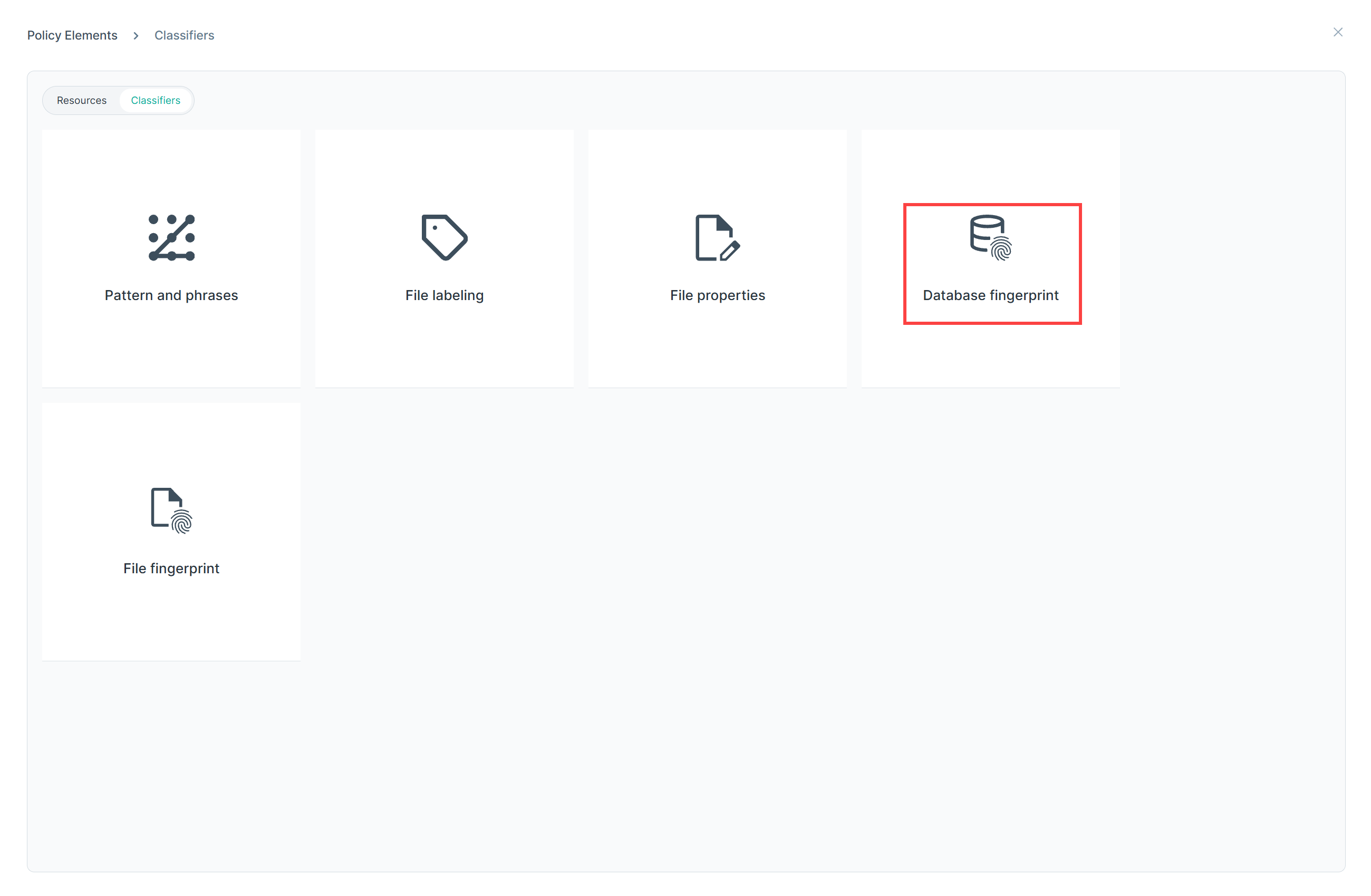
- In the Policy Elements panel, select the Classifiers tab, then click Database fingerprint.
- The Database fingerprint view lists existing classifier definitions, and lets administrators browse definitions or import them from a file.
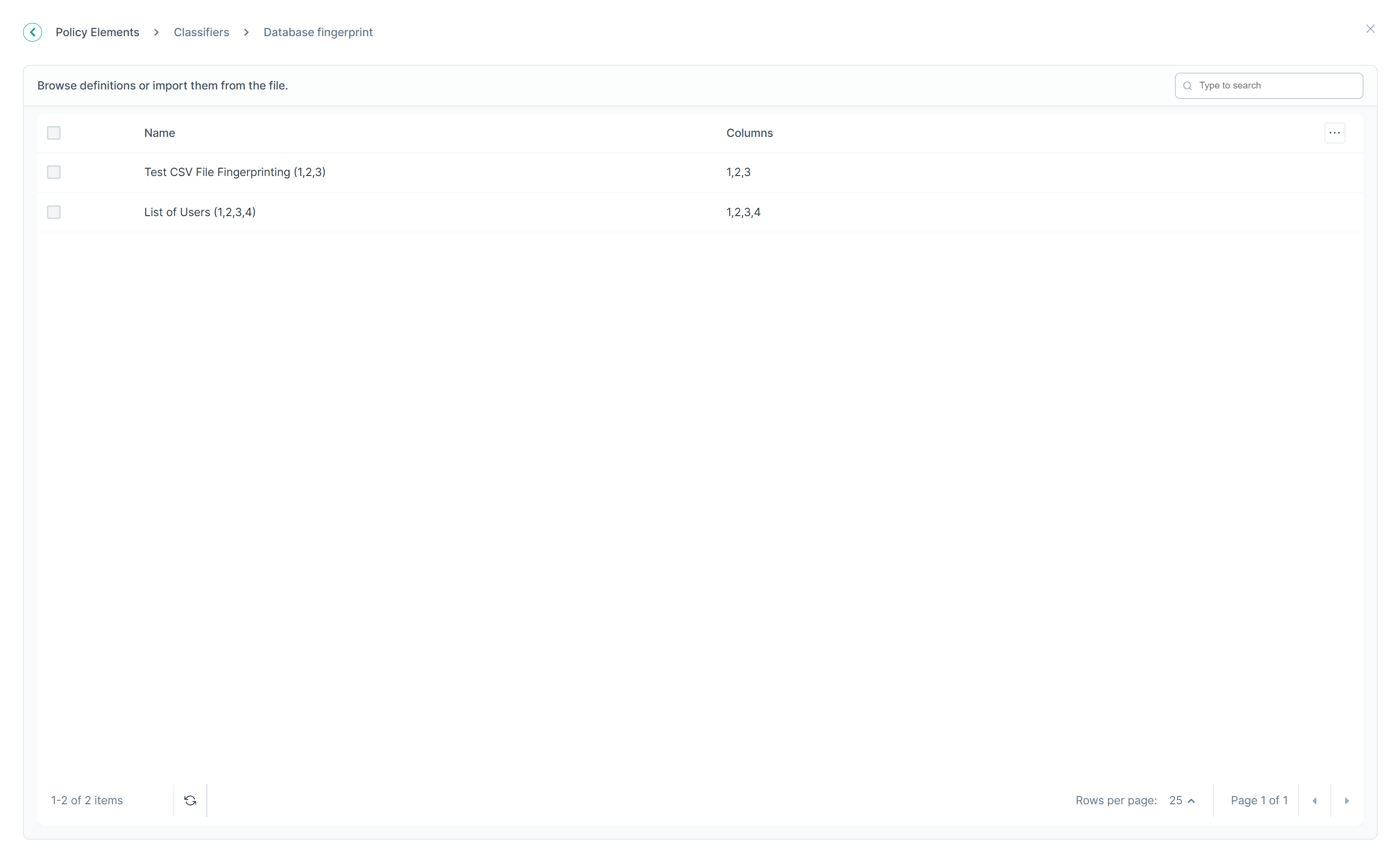
Column Description Name The name given to the database fingerprint classifier. Columns The specific database columns included in the fingerprint.
On-premises DLP and cloud DLP synchronization
Database fingerprint classifiers are synchronized between the on-premises DLP and cloud DLP:
- On-premises DLP — where a fingerprint classifier can originally be created.
- Cloud DLP — when a fingerprint classifier is created on the on-premises DLP, a copy is automatically synchronized to the cloud DLP, where it becomes available for use in cloud policies under
the same name.Note: For details on creating and configuring a database fingerprint classifier on the on-premises DLP, see Database fingerprinting in the on-premises DLP Administrator Help.
Using a Database fingerprint classifier in a policy
Once created, a Database fingerprint classifier is used the same way as any other classifier:
- Navigate to Policy menu.
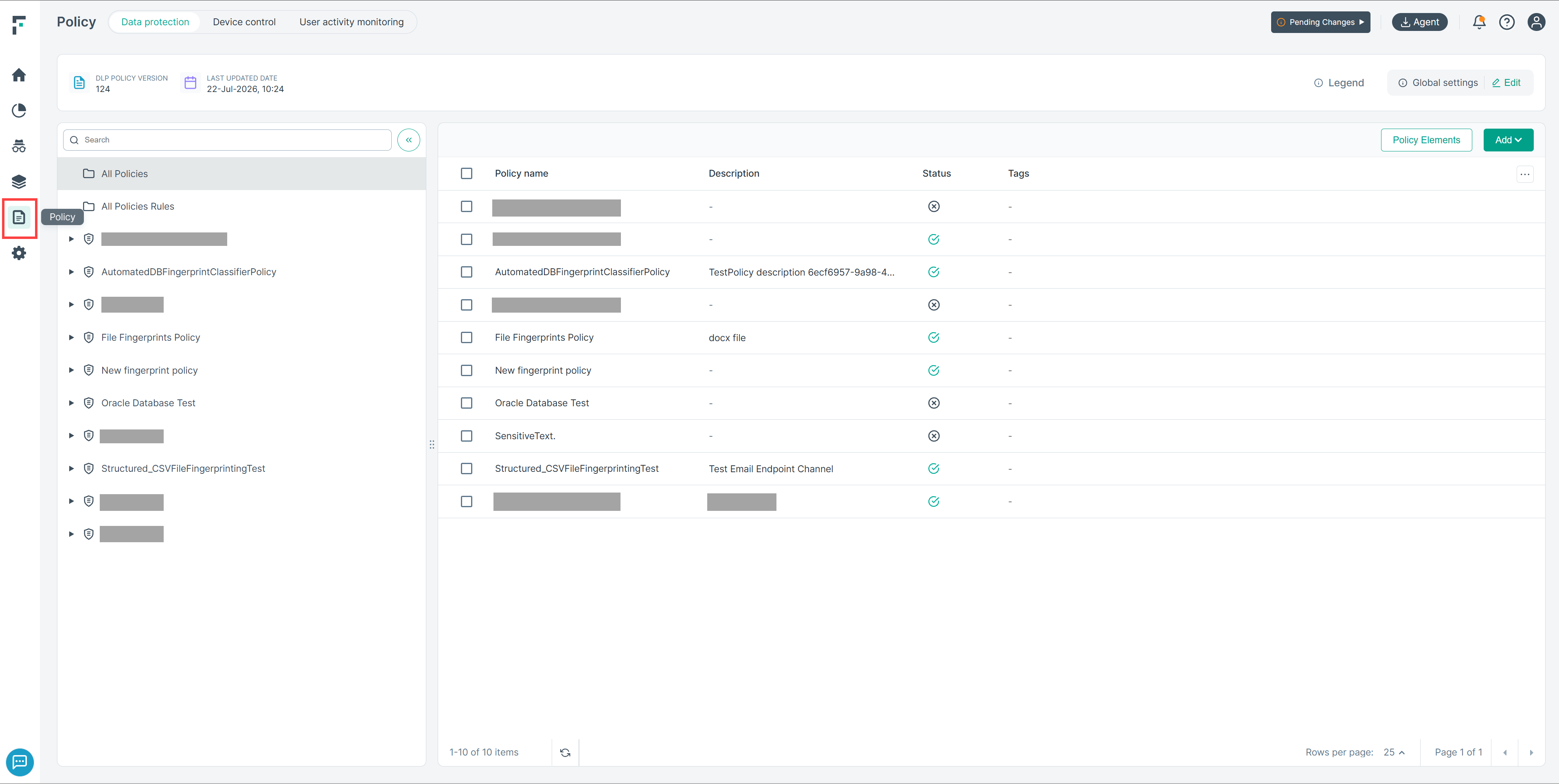
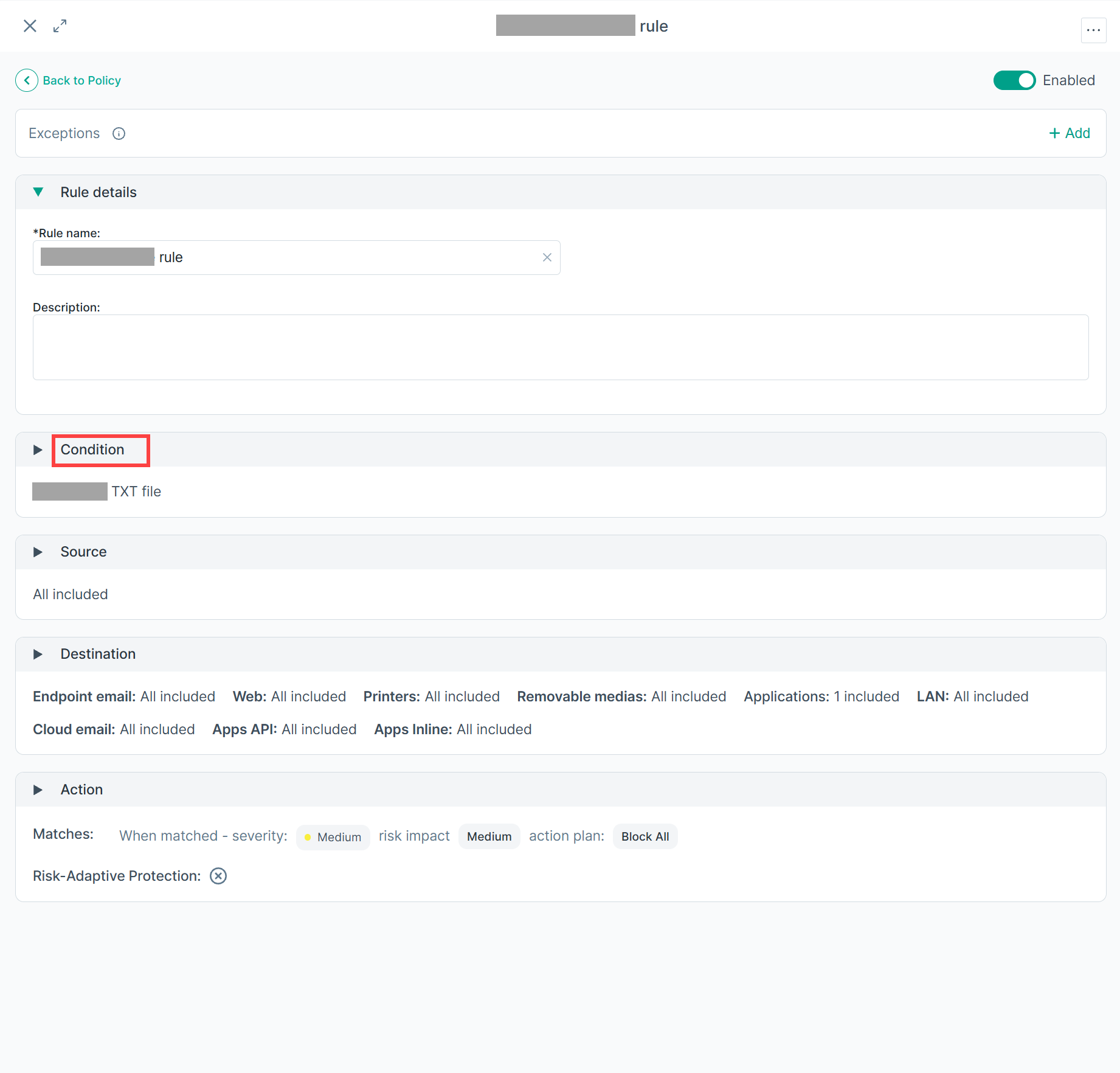
- Create or edit a policy rule.
- Click Condition to expand and view the conditions.
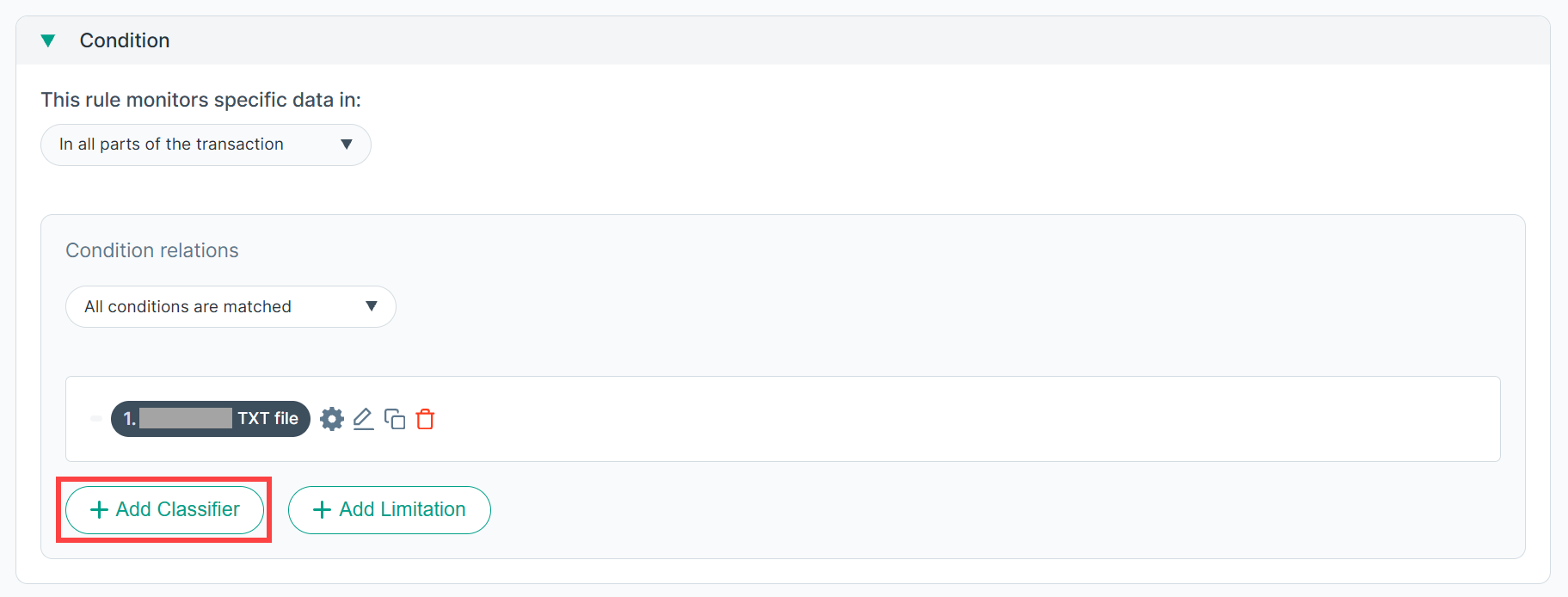
- Click Add Classifier.
- Filter by classifier type: Database fingerprint.
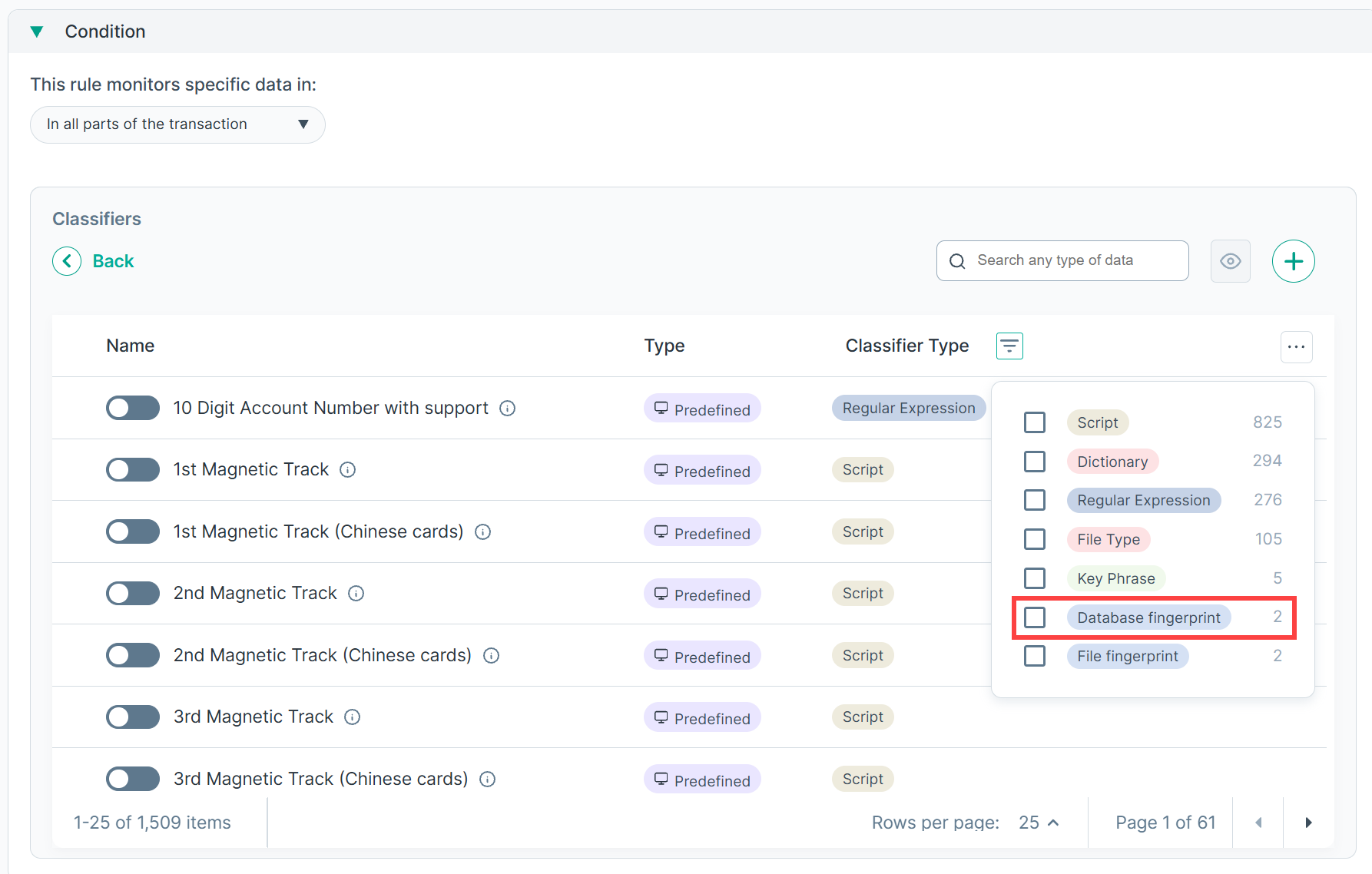
- Toggle on the specific Database fingerprint classifier(s) to include.
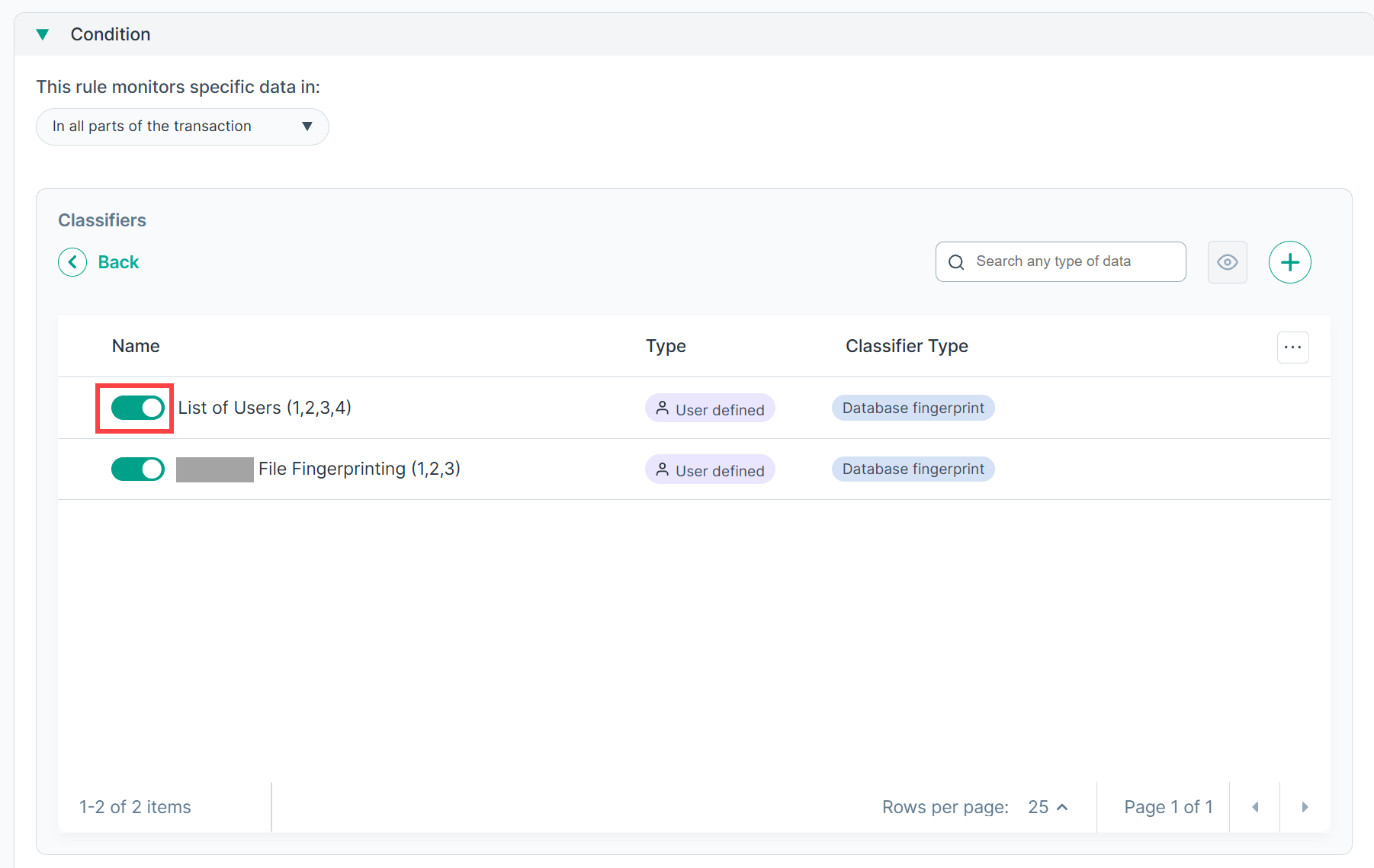
- Save the rule.
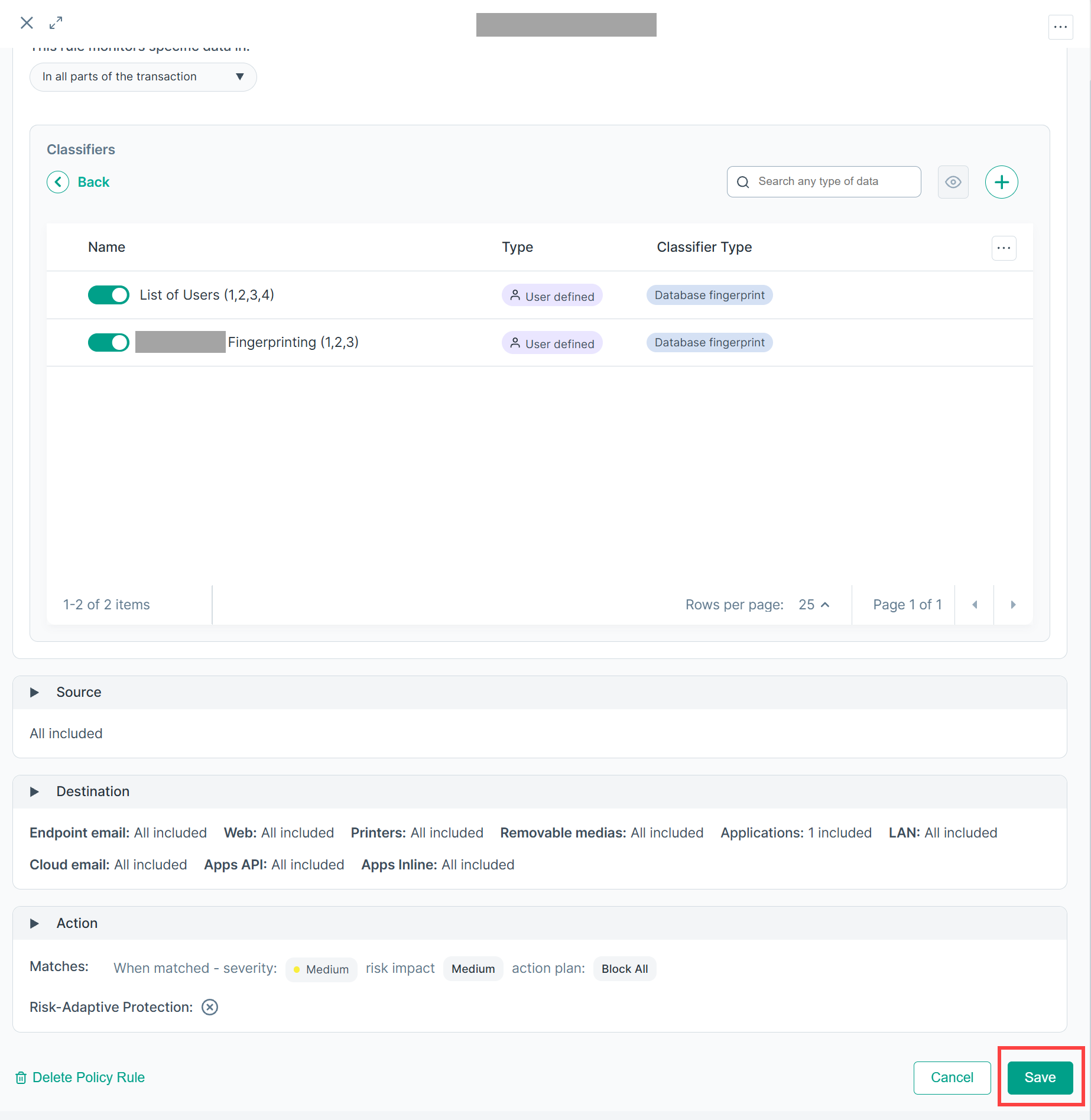
- The Forcepoint Data Security Cloud | DLP now matches content against the fingerprinted database source as part of policy evaluation.