Agent Groups
Use the Agent Groups view to review groups of AI agents that can be used together as a policy rule source.
Use the Agent Groups view to review groups of AI agents that can be used together as a policy rule source. Grouping agents lets administrators apply a rule to multiple related agents at once, instead of selecting each agent individually.
Note: Agent Groups are not created or edited manually in this view. They are synchronized automatically from the AI Security platform on an hourly basis. If a newly-created Agent Group doesn't yet
appear here, allow up to one hour for the next synchronization cycle.
Administrators reference agent groups from this list when:
- Selecting an Agent Group as a policy rule Source. Note: See Add new rule to policy for steps on using an Agent Group as a rule source.
Steps to view Agent Groups
- Navigate to .
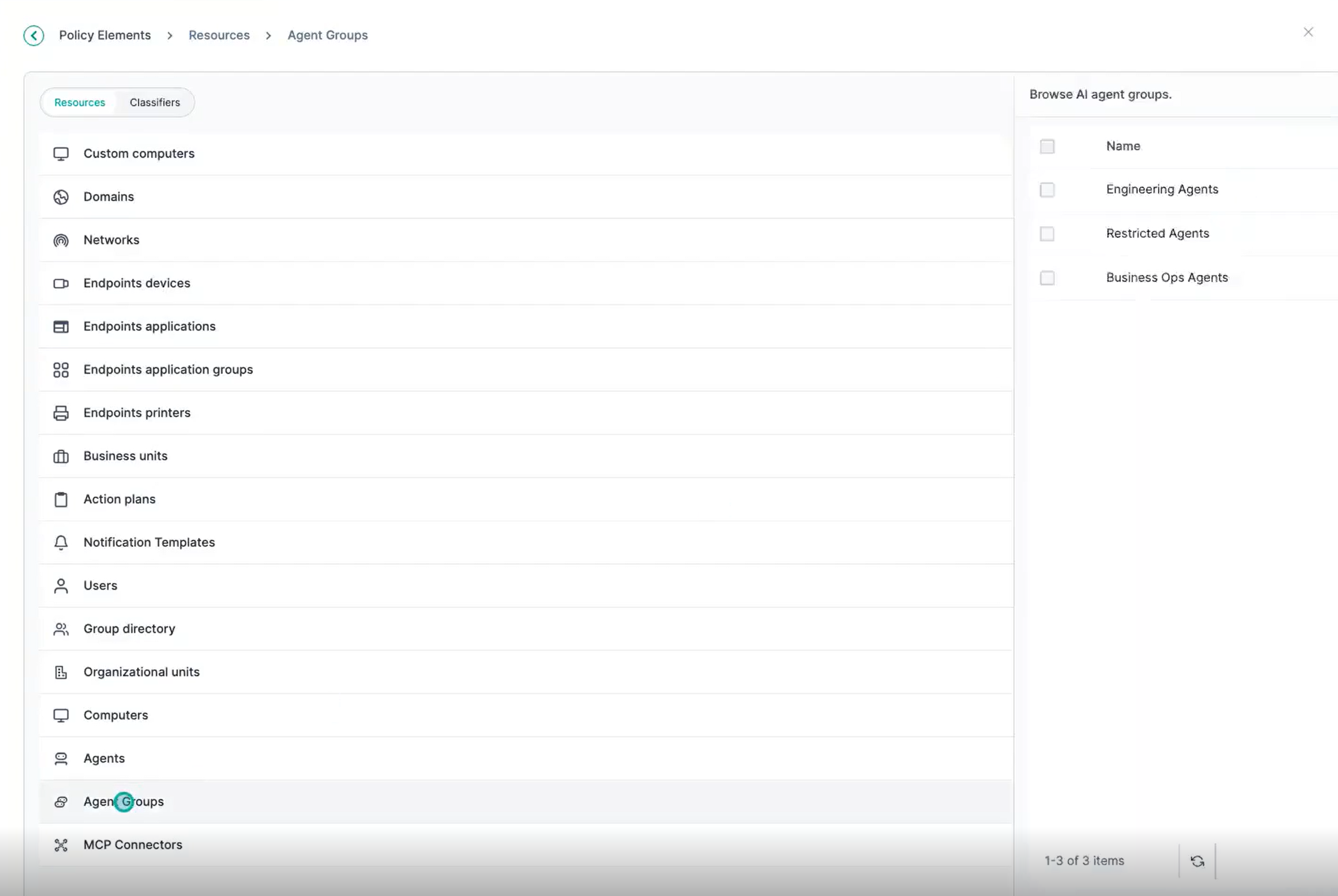
- Click Agent Groups to open the list view.
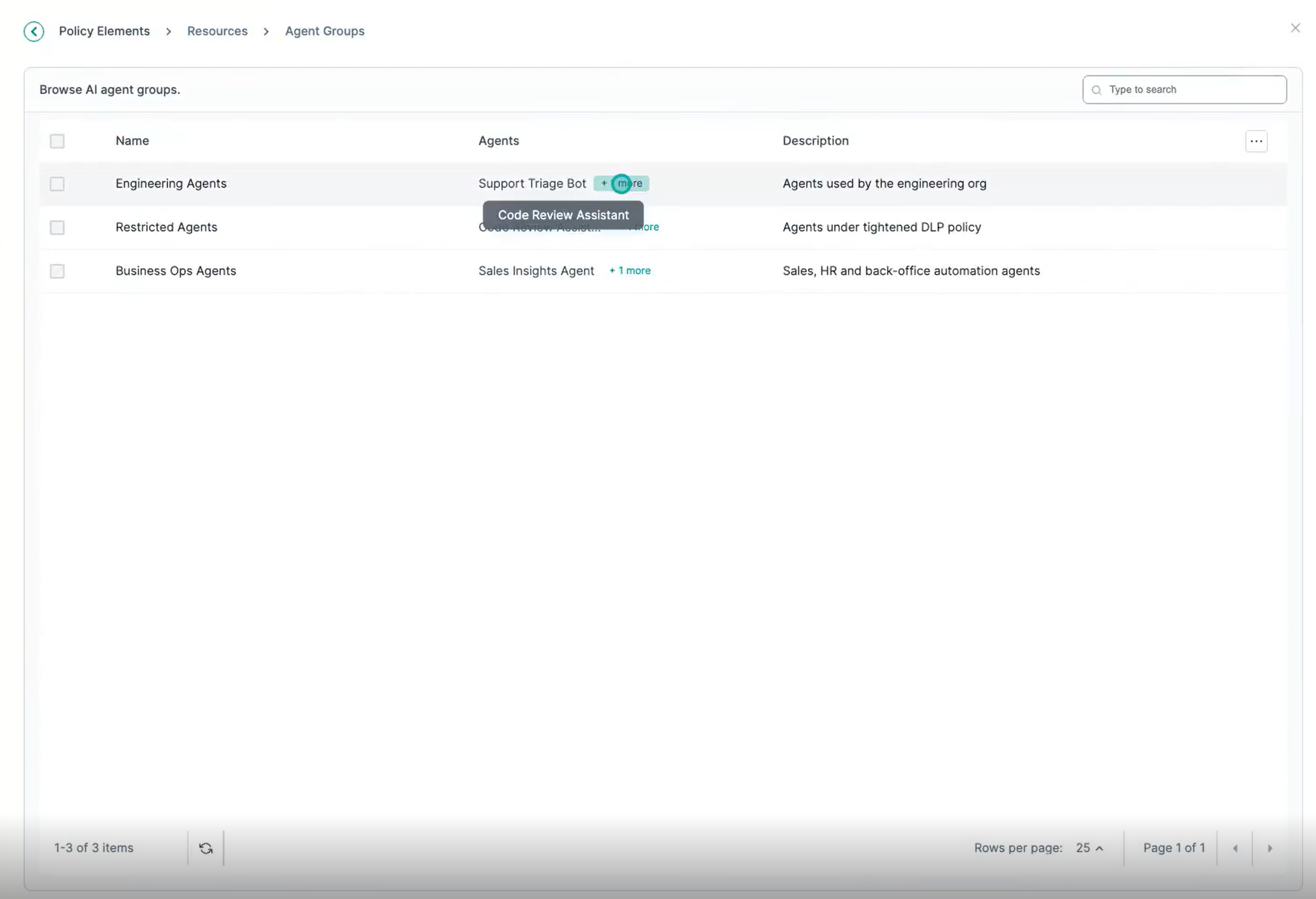
Table 1. Agent Groups list view fields Field Description Name The name of the agent group. Agents The AI agents that are members of the group. Description A short description of the group's purpose.