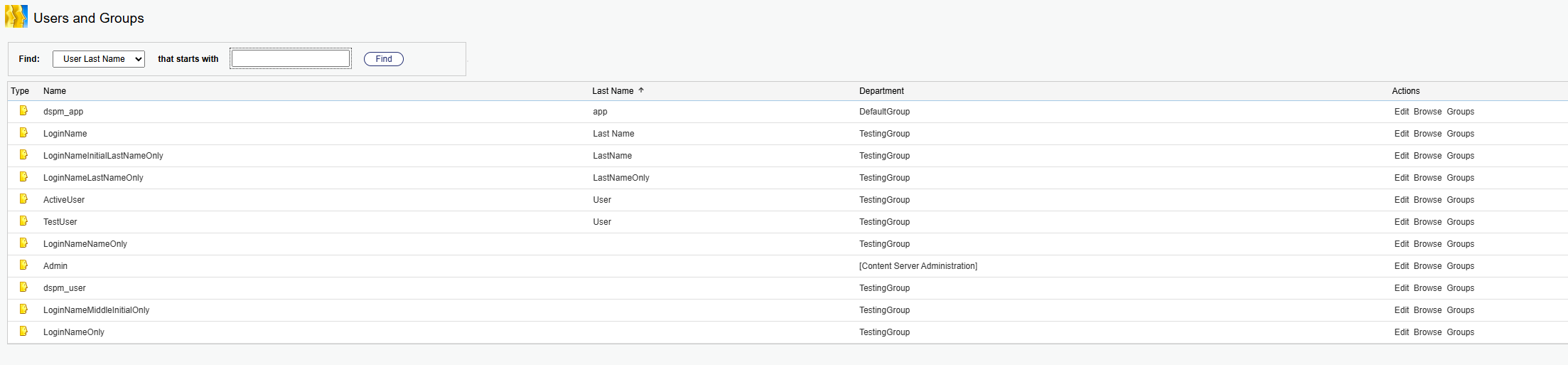
Setting up the Opentext Environment
Steps for setting up the Opentext environment:
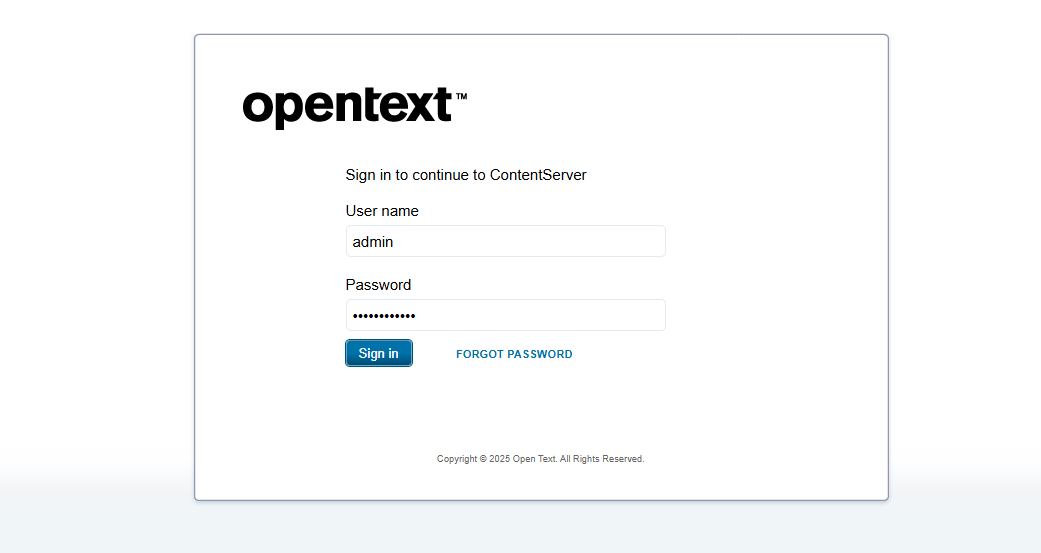
- Open the opentext console and sign in.
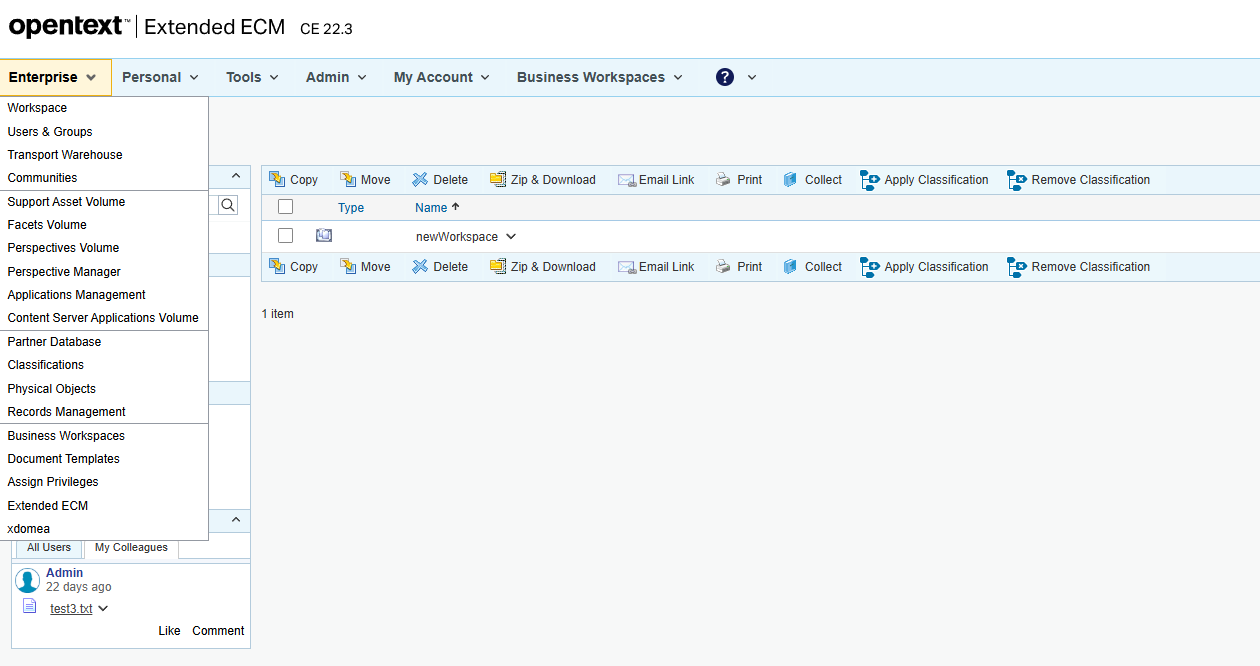
- Click on the Enterprise menu:
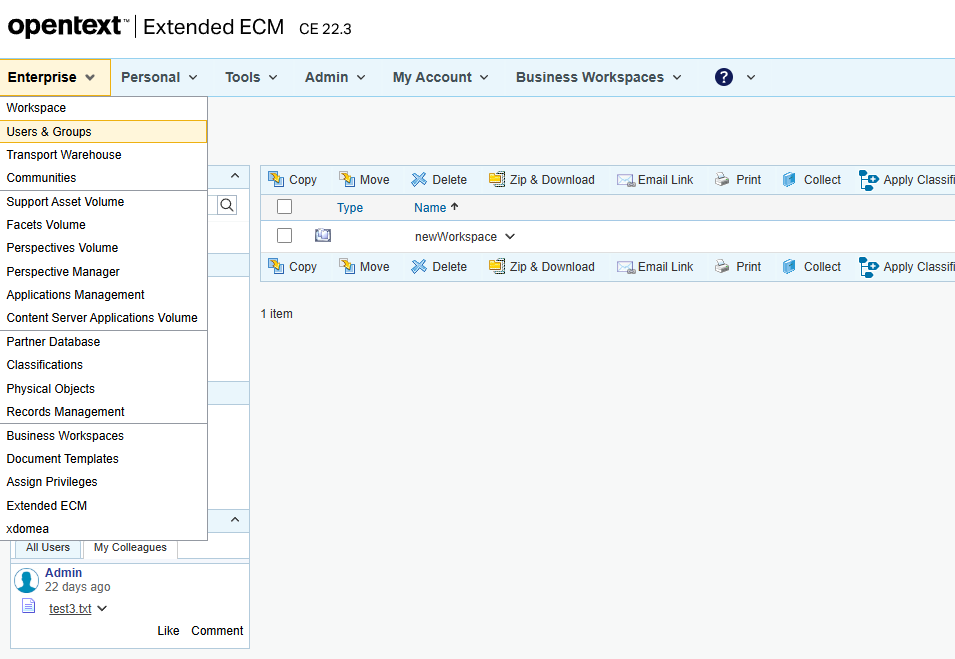
- Select Users & Groups.
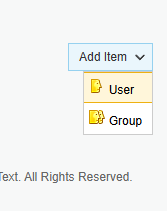
- On the next screen, select User from under Add item.

- Fill in the fields Log-in Name, Department, Password, and Verify Password.

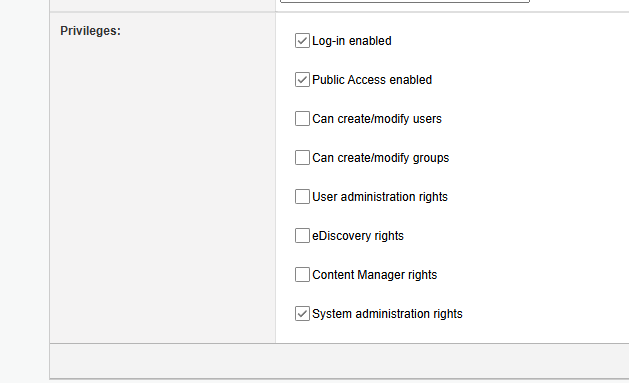
Select the following permissions and click Submit.
- Once the user is added it will be listed under the Users and Groups.