Connection Tagging
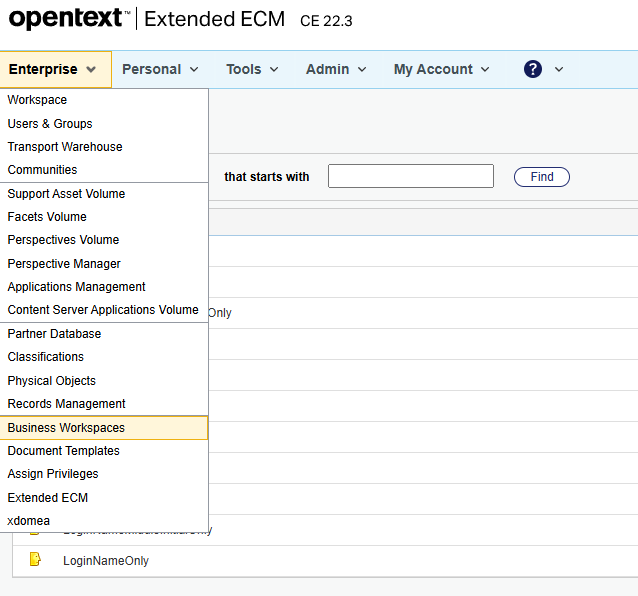
- We need to create a template for tagging in Opentext console. From the Enterprise menu, select Business Workspaces.
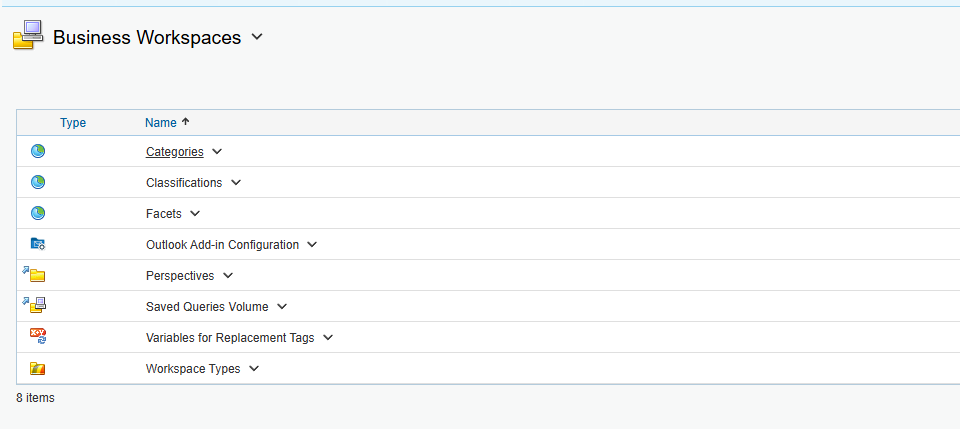
- Click Categories.
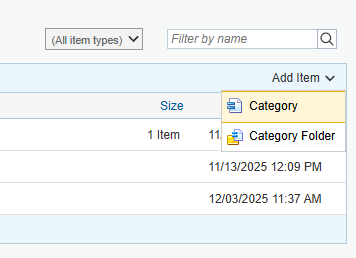
- On the next screen, under Add item, select Category.

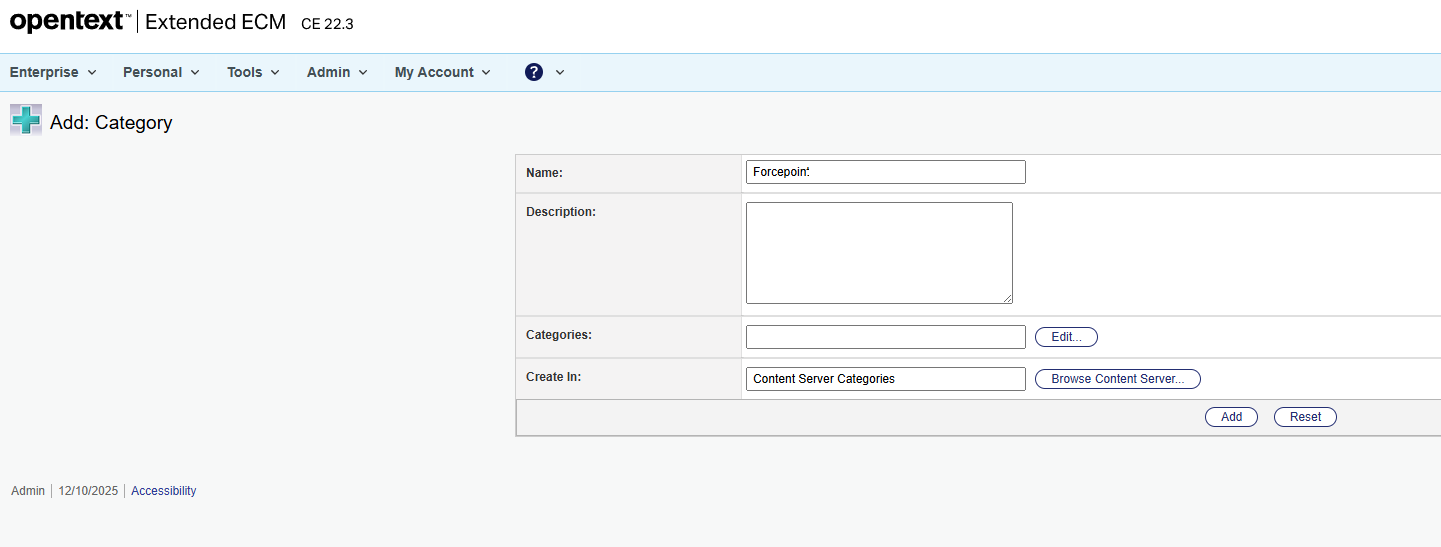
- The Name field should be set to Forcepoint and then click Add.
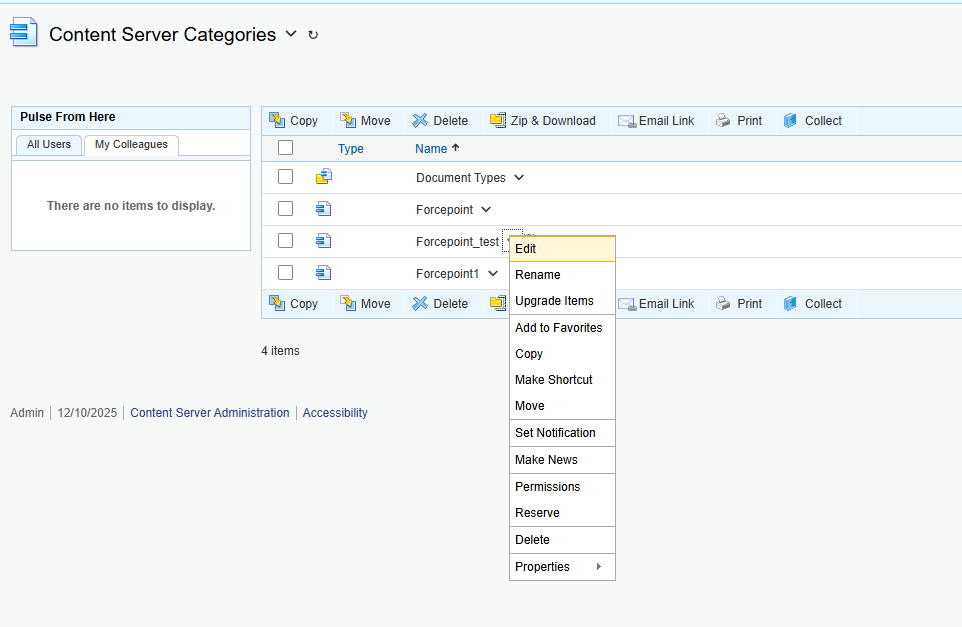
- Once the category is added it will be listed. Next, click Edit on the drop-down menu for the category.
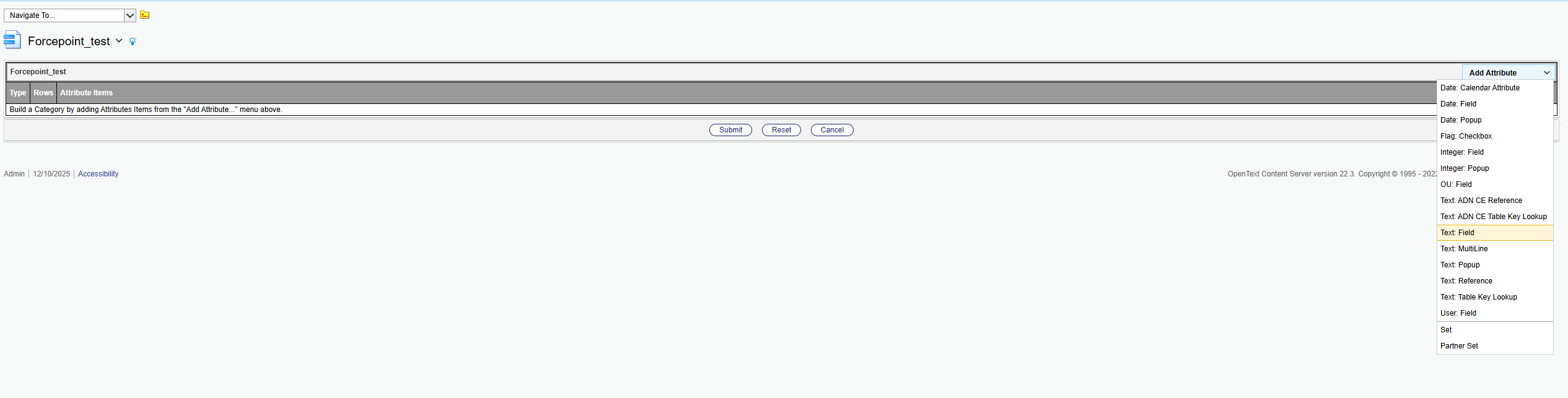
- Next, select Text: Field.
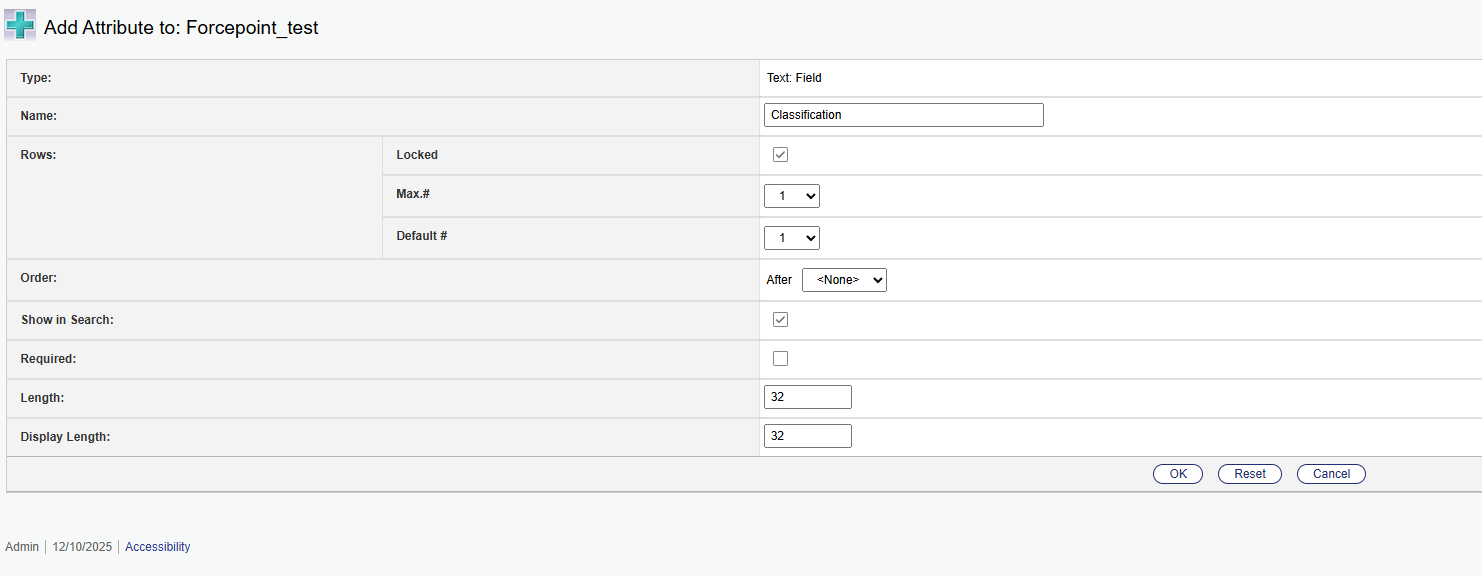
- Create Classification, Distribution, and Compliance as fields one by one.
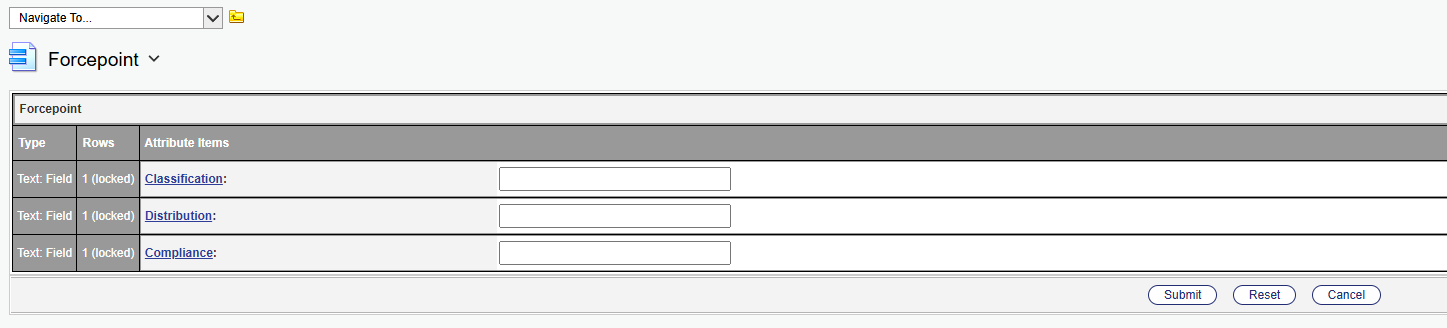
- Finally, you should have following categories as shown below:
- Next on the DSPM console, click on the hamburger menu, and select the option Start connection tagging.

- You can select either Cloud-Only tagging or Cloud & Persistent tagging.

- Click Start Tagging.