Setting up the data source connection
Before you begin
You should have set up the Opentext environment as explained in section Setting up the Opentext Environment.
Steps
-
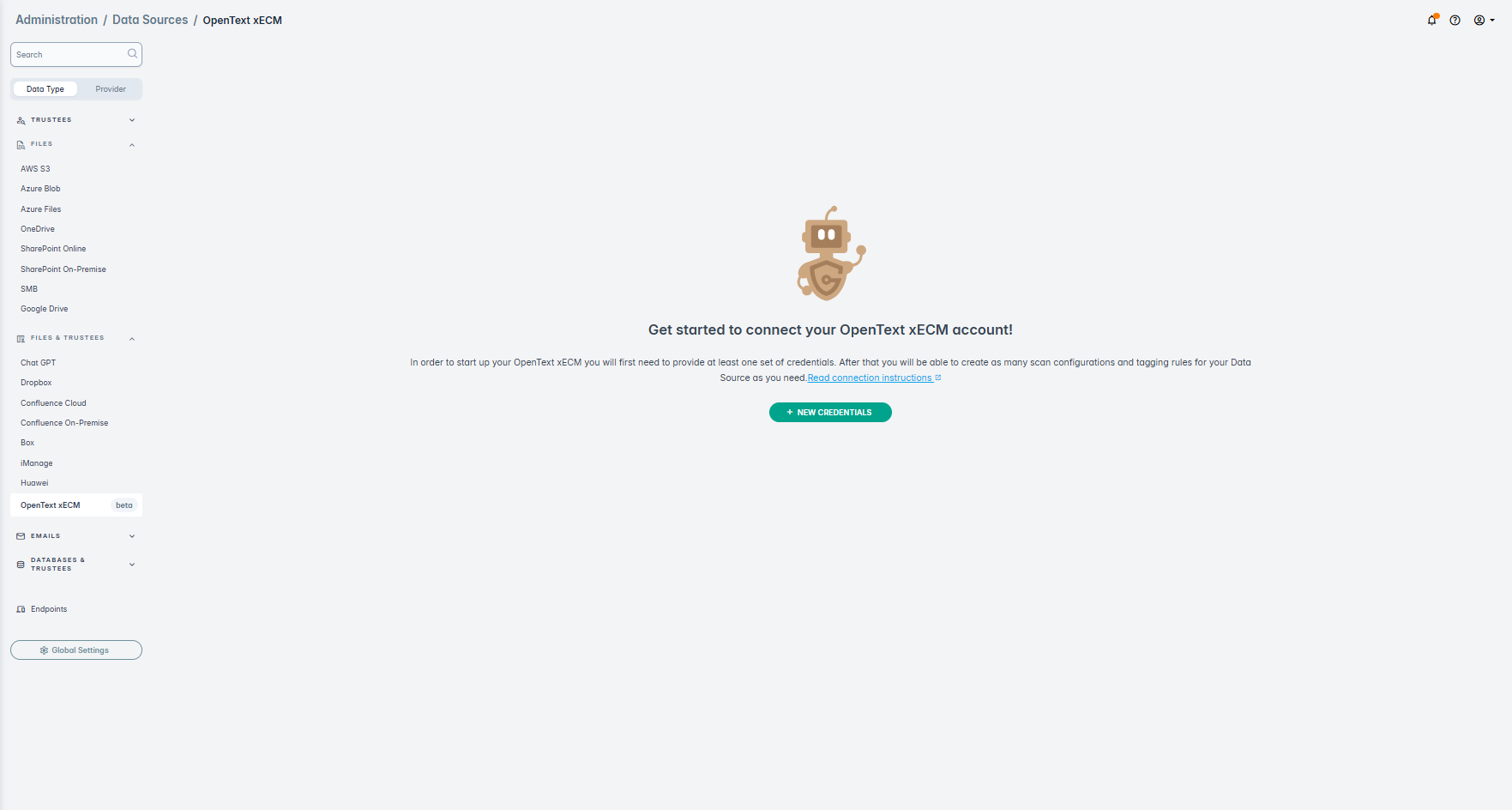
Click New Credentials.
-
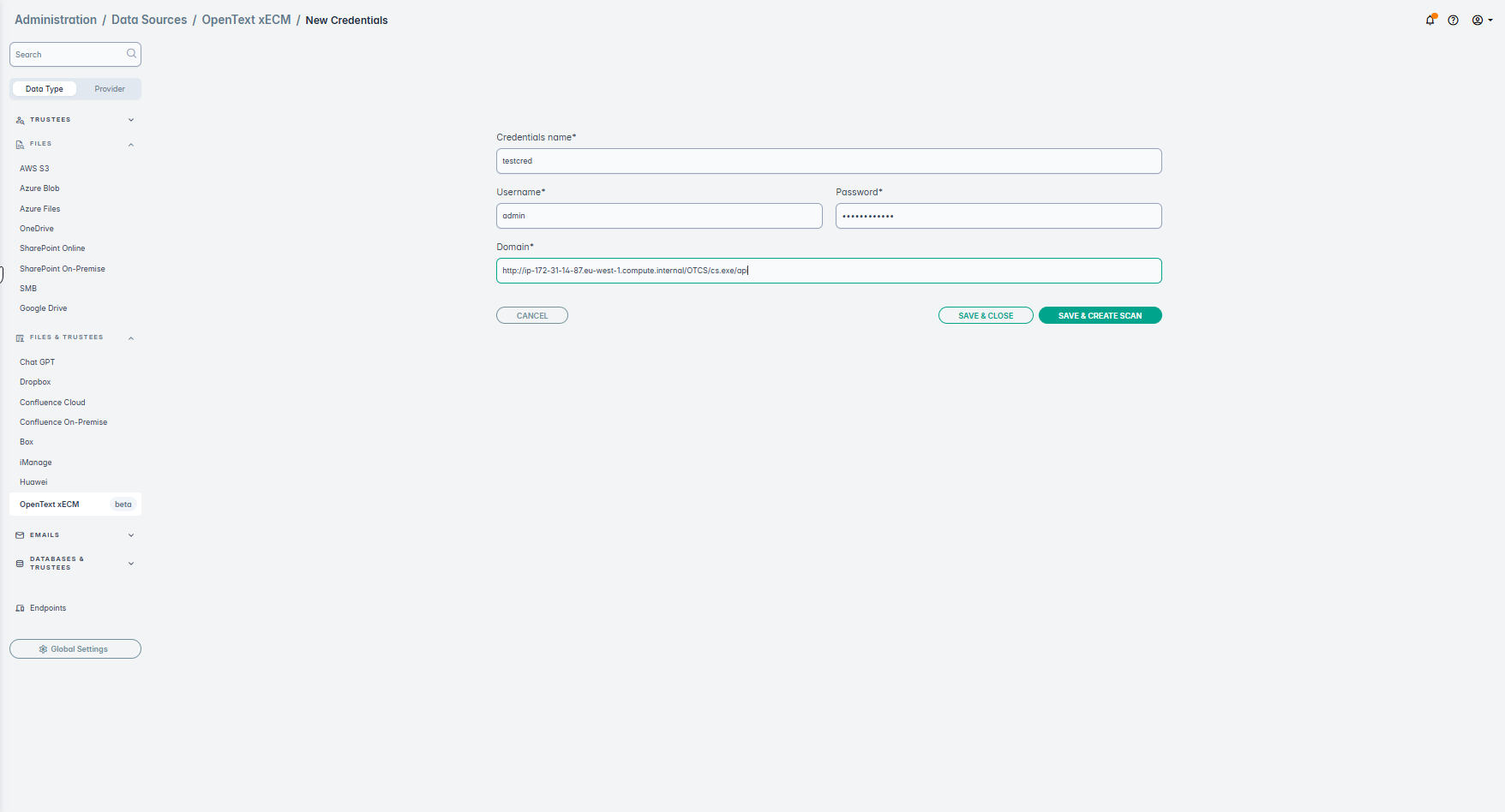
Provide the Credentials name, Username, Password, Domain (which is copied from Opentext in
previous section). An example, for the domain will be something like:
http://{YOUR_DOMAIN_NAME}/OTCS/cs.exe/api. It is expected to be a link to the API endpoint.