Getting Started
Logging In
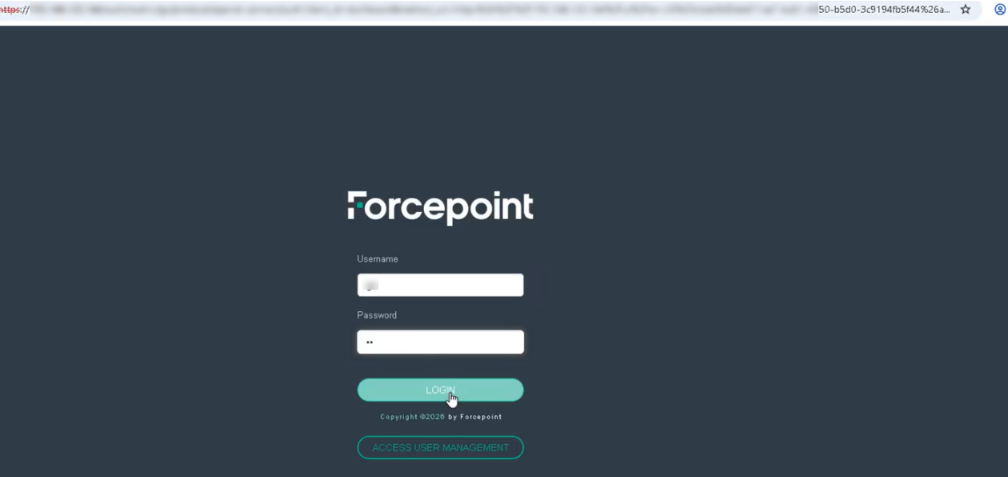
- Open the platform URL in your browser. The login page is displayed.
- Enter your login credentials and login.
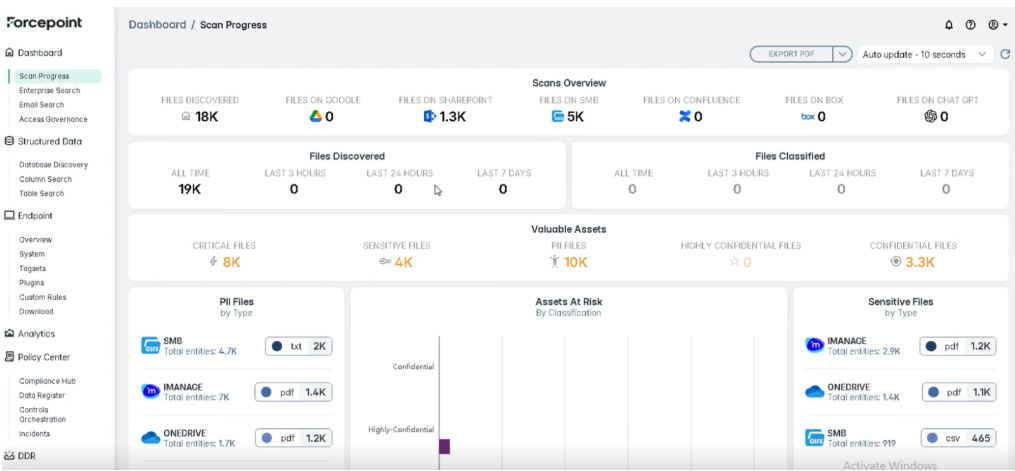
- After signing in you arrive at the Scan Progress page, which summarizes the status of all connectors.
Locating the Connector
Before configuring or testing anything, confirm the connector is available:
- Go to Data Sources.
- Open the Email category (or filter by the Microsoft provider).
- Confirm that Exchange On-Premise appears in the list.
If the connector has not yet been configured, opening it shows a Get started screen prompting you to connect your Exchange On-Premise account. If it is already configured, opening it takes you straight to the scan configurations.